
AI & Tech One-page note UK only
Parental Controls: Setup Checklist
New phone, tablet or console for your child? Run through this checklist before you hand it over. Save this page.
Good to know
UK providers. Menus vary by device and age. Checked Nov 2026.
What's on the page
The note as text, so you can read it, copy it or use a screen reader.
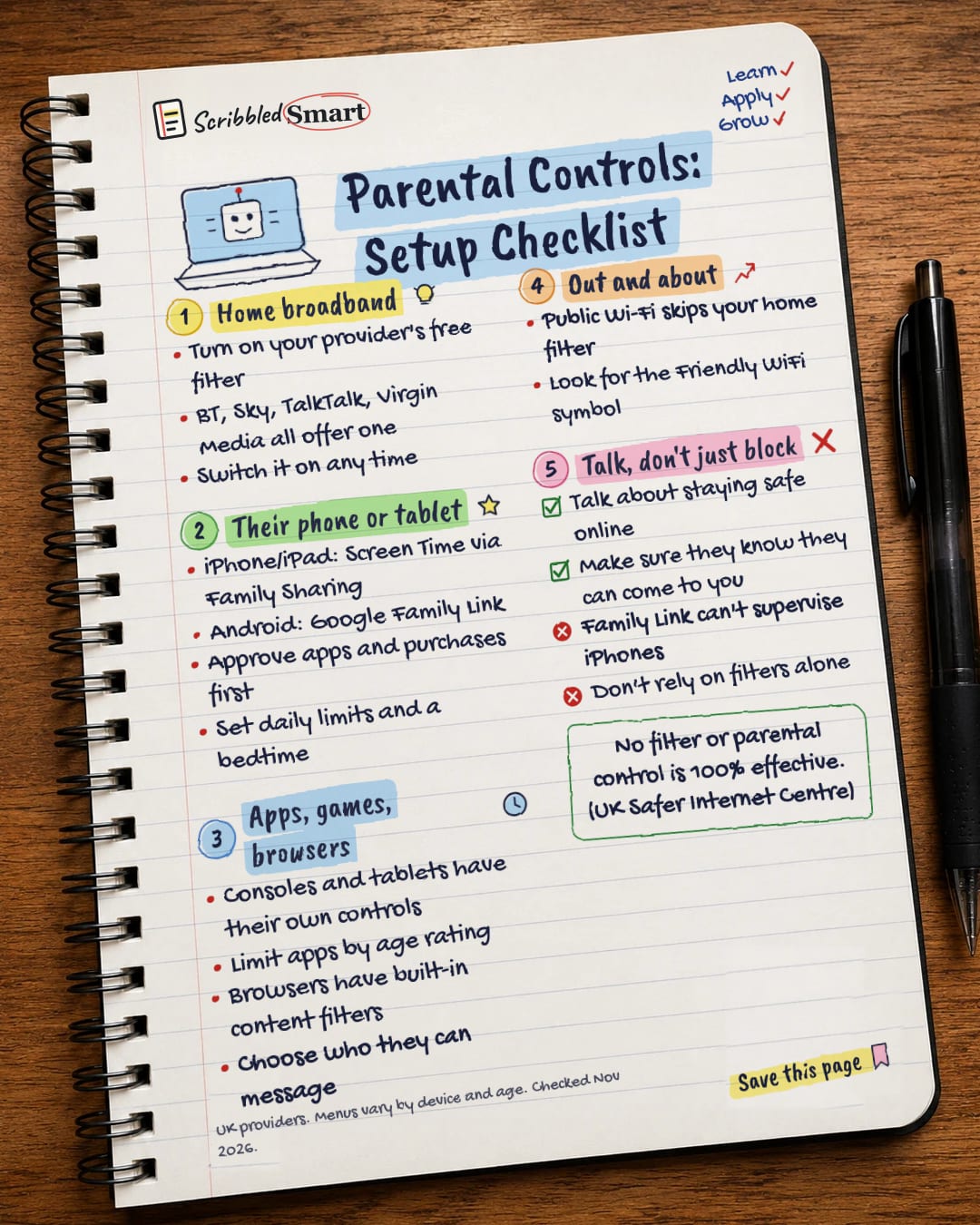
Home broadband
- Turn on your provider's free filter
- BT, Sky, TalkTalk, Virgin Media all offer one
- Switch it on any time
Their phone or tablet
- iPhone/iPad: Screen Time via Family Sharing
- Android: Google Family Link
- Approve apps and purchases first
- Set daily limits and a bedtime
Apps, games, browsers
- Consoles and tablets have their own controls
- Limit apps by age rating
- Browsers have built-in content filters
- Choose who they can message
Out and about
- Public Wi-Fi skips your home filter
- Look for the Friendly WiFi symbol
Talk, don't just block
- Talk about staying safe online
- Make sure they know they can come to you
- Family Link can't supervise iPhones
- Don't rely on filters alone
Sources
How we checked this
Every fact on this note comes from the 4 sources listed here, checked against official or peer-reviewed sources where possible. AI tools help with drafting; a person checks every fact against the sources. How we research
Spotted a mistake? Tell us and we'll fix it and log it on the corrections page.


