
Career One-page note UK only
How to Write a Supporting Statement
The supporting statement decides whether you get an interview. Here's how to match it to the person spec. Save this page.
Good to know
Based on UK careers and public sector guidance. Formats vary by employer.
What's on the page
The note as text, so you can read it, copy it or use a screen reader.
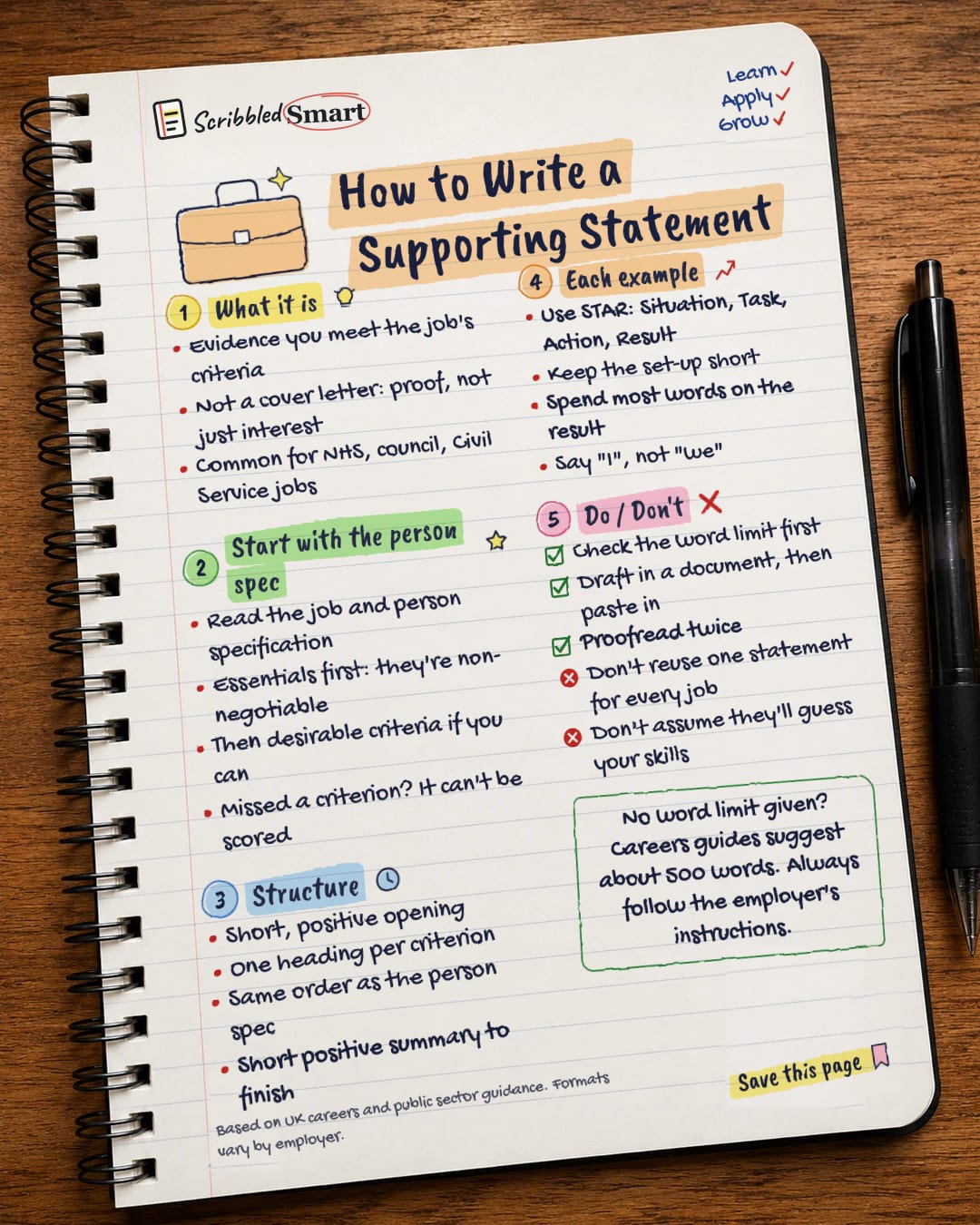
What it is
- Evidence you meet the job's criteria
- Not a cover letter: proof, not just interest
- Common for NHS, council, Civil Service jobs
Start with the person spec
- Read the job and person specification
- Essentials first: they're non-negotiable
- Then desirable criteria if you can
- Missed a criterion? It can't be scored
Structure
- Short, positive opening
- One heading per criterion
- Same order as the person spec
- Short positive summary to finish
Each example
- Use STAR: Situation, Task, Action, Result
- Keep the set-up short
- Spend most words on the result
- Say "I", not "we"
Do / Don't
- Check the word limit first
- Draft in a document, then paste in
- Proofread twice
- Don't reuse one statement for every job
- Don't assume they'll guess your skills
Sources
- Sheffield Hallam University Careers: Supporting statements
- LOTI (London Office of Technology and Innovation): Crafting a winning local government supporting statement (24 Nov 2025)
- Jobs Go Public: How to write a supporting statement
- GOV.UK: Success Profiles: Candidate overview
- Health Careers: Applications and interviews
- COPFS: How your application is assessed – Success Profiles
How we checked this
Every fact on this note comes from the 6 sources listed here, checked against official or peer-reviewed sources where possible. AI tools help with drafting; a person checks every fact against the sources. How we research
Spotted a mistake? Tell us and we'll fix it and log it on the corrections page.


