
AI & Tech One-page note UK only
Hacked Account? 6 Steps to Get It Back
Locked out, or your account is posting things you didn't write? Follow these steps from the UK's cyber experts. Save this page.
Good to know
UK reporting details checked November 2026.
What's on the page
The note as text, so you can read it, copy it or use a screen reader.
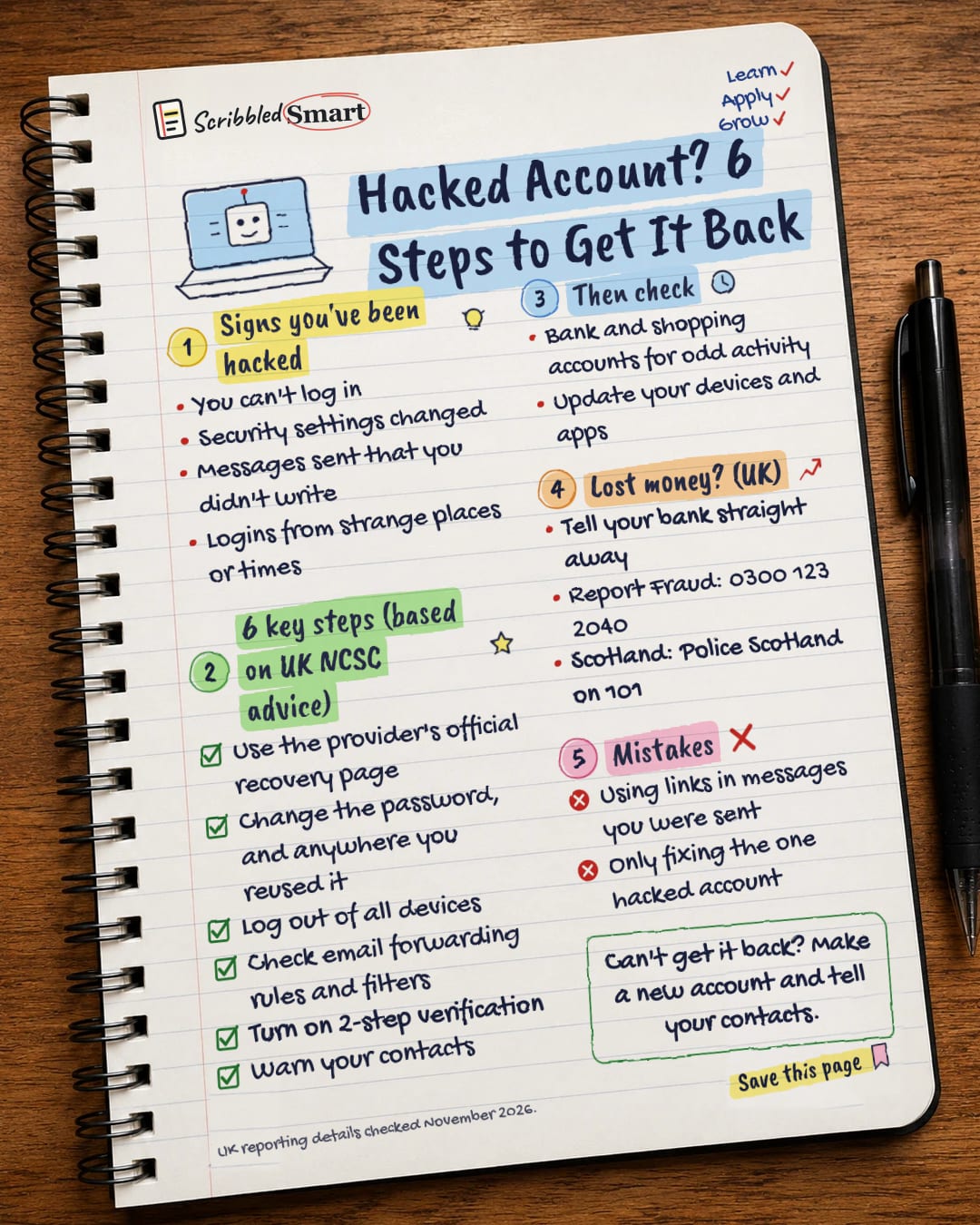
Signs you've been hacked
- You can't log in
- Settings changed without you
- Messages sent that you didn't write
- Logins from strange places or times
6 steps (UK National Cyber Security Centre)
- Use the provider's official recovery page
- Change the password, and anywhere you reused it
- Log out of all devices
- Check email forwarding rules and filters
- Turn on 2-step verification
- Warn your contacts
Then check
- Bank and shopping accounts for odd activity
- Update your devices and apps
Lost money? (UK)
- Tell your bank straight away
- Report Fraud: 0300 123 2040
- Scotland: Police Scotland on 101
Mistakes
- Clicking links in messages about the hack
- Only fixing the one hacked account
Sources
How we checked this
Every fact on this note comes from the 3 sources listed here, checked against official or peer-reviewed sources where possible. AI tools help with drafting; a person checks every fact against the sources. How we research
Spotted a mistake? Tell us and we'll fix it and log it on the corrections page.


