
AI & Tech One-page note
Password Managers Explained
One strong password to remember, instead of fifty. Here's how a password manager works and the one rule that matters. Save this page.
What's on the page
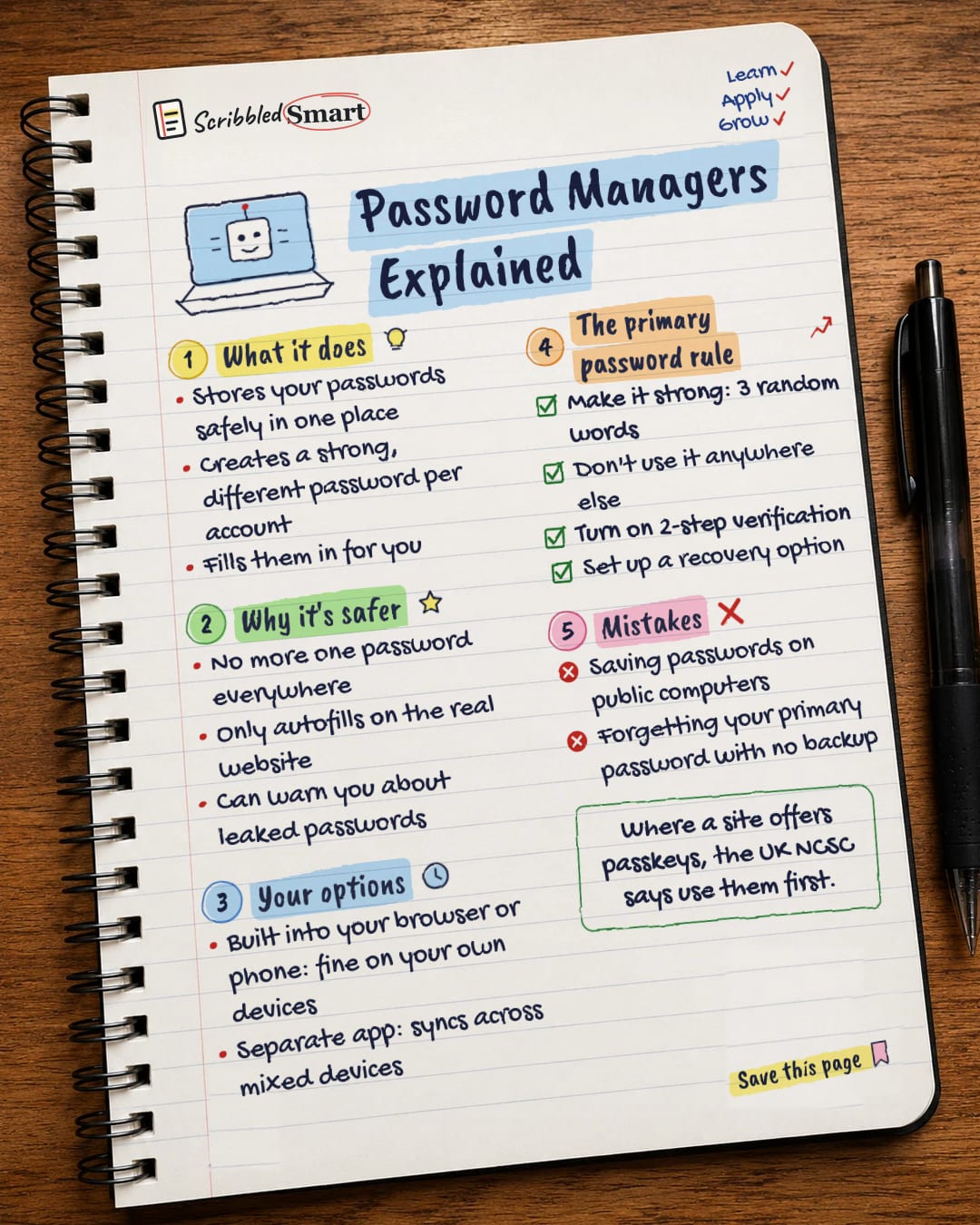
The note as text, so you can read it, copy it or use a screen reader.
What it does
- Stores your passwords safely in one place
- Creates a strong, different password per account
- Fills them in for you
Why it's safer
- No more one password everywhere
- Only autofills on the real website
- Can warn you about leaked passwords
Your options
- Built into your browser or phone: fine on your own devices
- Separate app: syncs across mixed devices
The primary password rule
- Make it strong: 3 random words
- Don't use it anywhere else
- Turn on 2-step verification
- Set up a recovery option
Mistakes
- Saving passwords on public computers
- Forgetting your primary password with no backup
Sources
How we checked this
Every fact on this note comes from the 3 sources listed here, checked against official or peer-reviewed sources where possible. AI tools help with drafting; a person checks every fact against the sources. How we research
Spotted a mistake? Tell us and we'll fix it and log it on the corrections page.


