
AI & Tech One-page note UK only
Phone Emergency Features (UK)
Your phone has safety features you might never have switched on. Here's how to call for help in the UK, set up SOS and Medical ID, and what Emergency Alerts mean. Save this page.
Good to know
UK only. Steps vary by phone model. Sources: GOV.UK, Relay UK, Apple, Devon & Cornwall Police. Checked Nov 2026.
What's on the page
The note as text, so you can read it, copy it or use a screen reader.
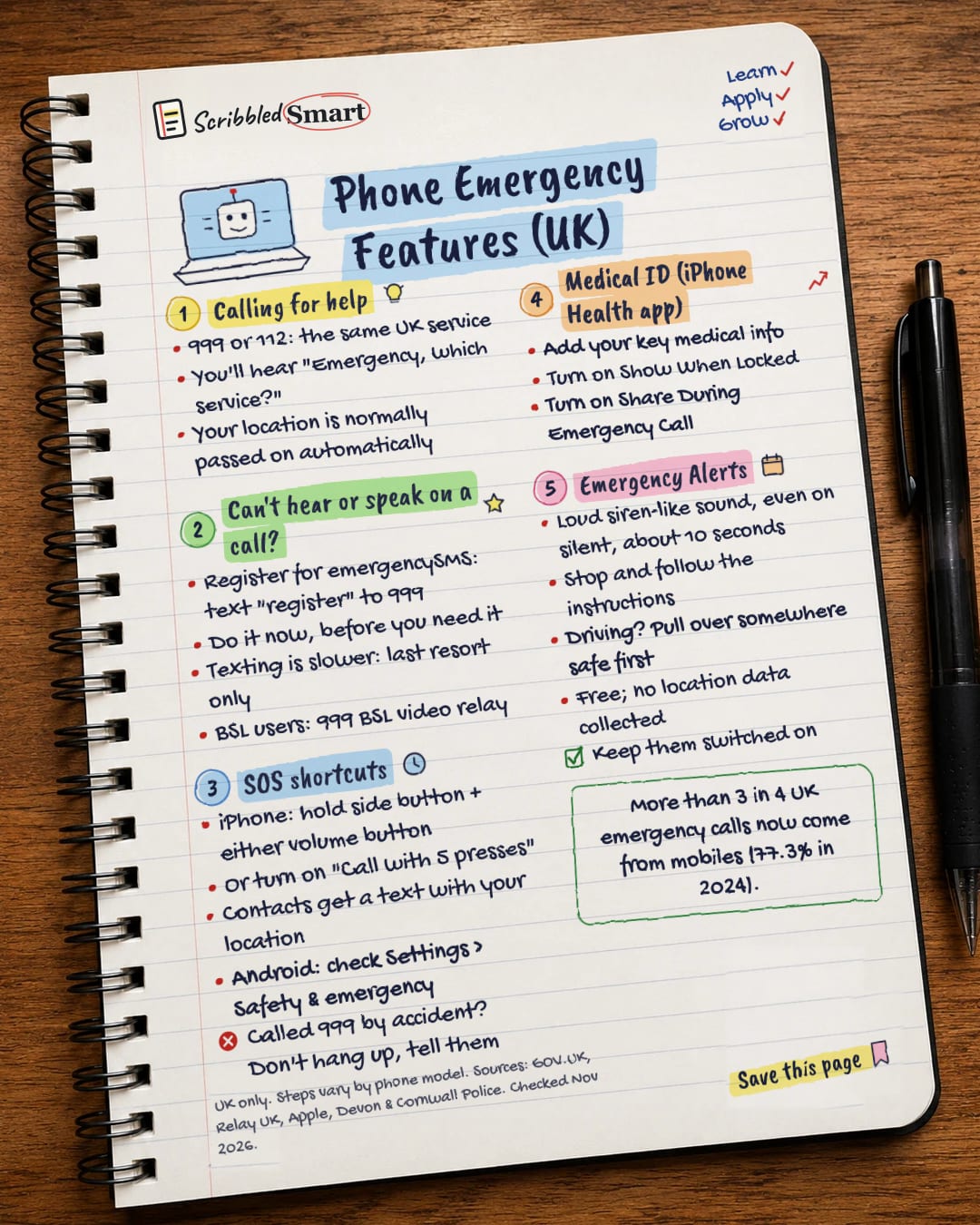
Calling for help
- 999 or 112: the same UK service
- You'll hear "Emergency, which service?"
- Your location is normally passed on automatically
Can't hear or speak on a call?
- Register for emergencySMS: text "register" to 999
- Do it now, before you need it
- Texting is slower: last resort only
- BSL users: 999 BSL video relay
SOS shortcuts
- iPhone: hold side button + either volume button
- Or turn on "Call with 5 presses"
- Contacts get a text with your location
- Android: check Settings > Safety & emergency
- Called 999 by accident? Don't hang up, tell them
Medical ID (iPhone Health app)
- Add your key medical info
- Turn on Show When Locked
- Turn on Share During Emergency Call
Emergency Alerts
- Loud siren-like sound, even on silent, about 10 seconds
- Stop and follow the instructions
- Driving? Pull over somewhere safe first
- Free; no location data collected
- Keep them switched on
Sources
- GOV.UK: 999 and 112, the UK's national emergency numbers
- GOV.UK: Emergency Alerts
- GOV.UK: How emergency alerts work
- GOV.UK: Opting out of emergency alerts
- Relay UK (BT): Contact 999 using Relay UK
- 999 BSL: Emergency Video Relay Service
- Apple Support: Use Emergency SOS on your iPhone
- Apple Support: Set up your Medical ID in the Health app
- Devon & Cornwall Police: advice on accidental 999 calls
How we checked this
Every fact on this note comes from the 9 sources listed here, checked against official or peer-reviewed sources where possible. AI tools help with drafting; a person checks every fact against the sources. How we research
Spotted a mistake? Tell us and we'll fix it and log it on the corrections page.


