
AI & Tech One-page note
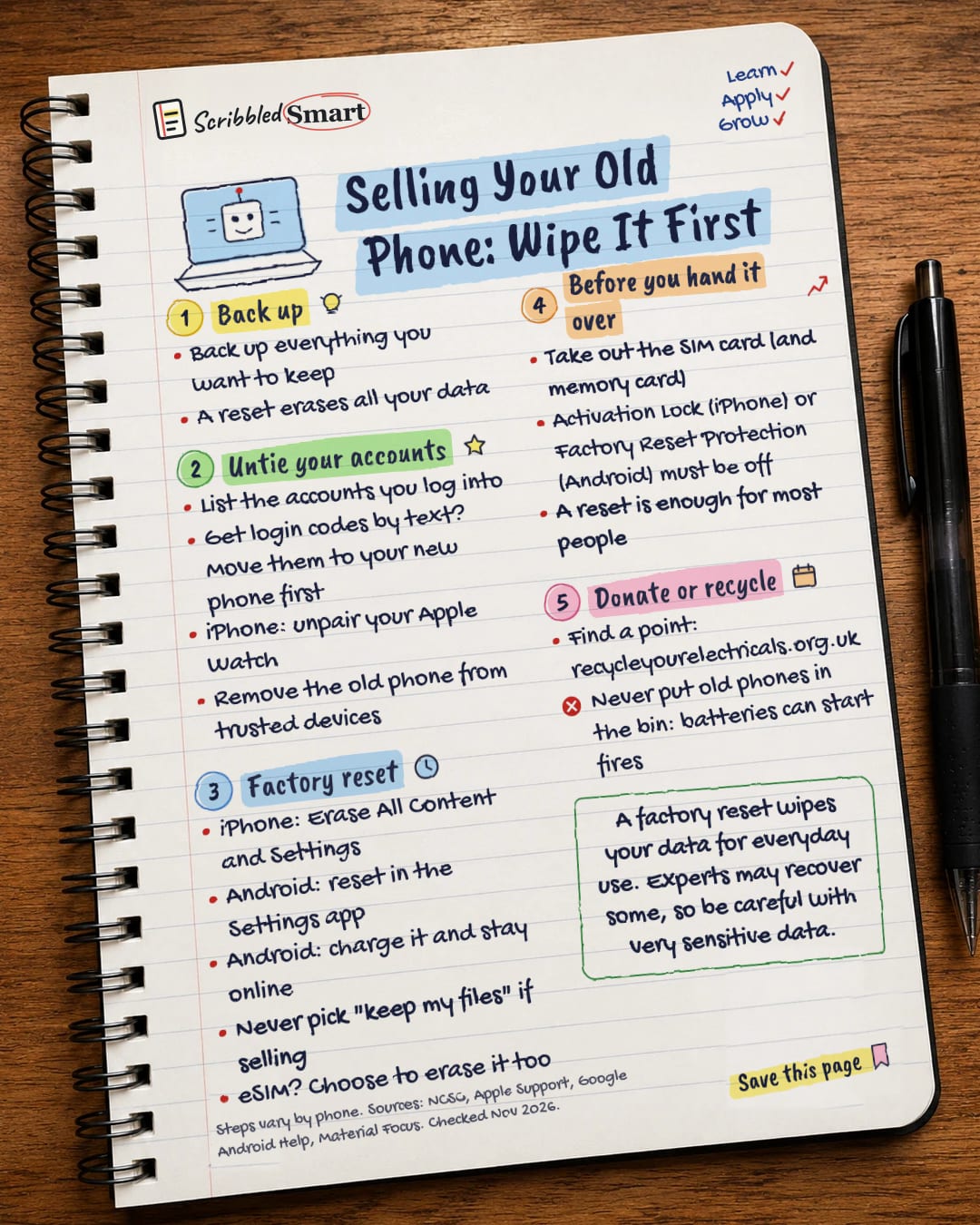
Selling Your Old Phone: Wipe It First
Upgrading? Your old phone still holds your photos, chats and logins. Here's how to wipe it properly before you sell, trade in or recycle it. Save this page.
Good to know
Steps vary by phone. Sources: NCSC, Apple Support, Google Android Help, Material Focus. Checked Nov 2026.
What's on the page
The note as text, so you can read it, copy it or use a screen reader.
Back up
- Back up everything you want to keep
- A reset erases all your data
Untie your accounts
- List the accounts you log into
- Get login codes by text? Move them to your new phone first
- iPhone: unpair your Apple Watch
- Remove the old phone from trusted devices
Factory reset
- iPhone: Erase All Content and Settings
- Android: reset in the Settings app
- Android: charge it and stay online
- Never pick "keep my files" if selling
- eSIM? Choose to erase it too
Before you hand it over
- Take out the SIM card (and memory card)
- Activation Lock (iPhone) or Factory Reset Protection (Android) must be off
- A reset is enough for most people
Donate or recycle
- Find a point: recycleyourelectricals.org.uk
- Never put old phones in the bin: batteries can start fires
Sources
- NCSC: Buying and selling second-hand devices
- NCSC: Device security guidance, Erasing devices
- NCSC: Secure sanitisation of storage media
- Apple Support: What to do before you sell, give away or trade in your iPhone or iPad
- Google Android Help: Reset your Android device to factory settings
- Material Focus: Recycle Your Electricals
How we checked this
Every fact on this note comes from the 6 sources listed here, checked against official or peer-reviewed sources where possible. AI tools help with drafting; a person checks every fact against the sources. How we research
Spotted a mistake? Tell us and we'll fix it and log it on the corrections page.


