
AI & Tech One-page note UK only
Spam Texts and Calls: Block and Report
Three numbers every UK phone owner should know: 7726, 159 and 0300 123 2040. Here's when to use each one. Save this page.
Good to know
UK only. Checked Nov 2026.
What's on the page
The note as text, so you can read it, copy it or use a screen reader.
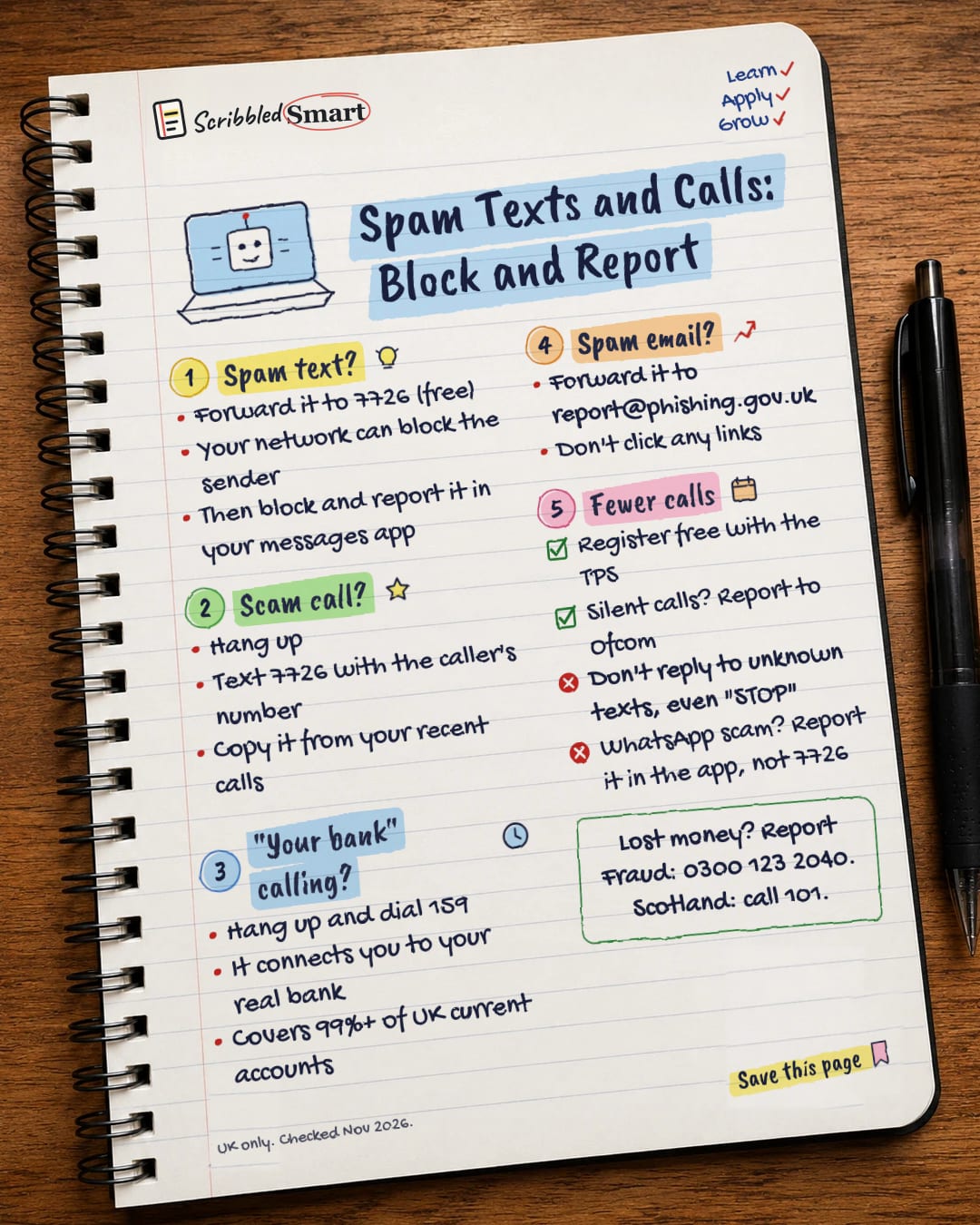
Spam text?
- Forward it to 7726 (free)
- Your network can block the sender
- Then block and report it in your messages app
Scam call?
- Hang up
- Text 7726 with the caller's number
- Copy it from your recent calls
"Your bank" calling?
- Hang up and dial 159
- It connects you to your real bank
- Covers 99%+ of UK current accounts
Spam email?
- Forward it to report@phishing.gov.uk
- Don't click any links
Fewer calls
- Register free with the TPS
- Silent calls? Report to Ofcom
- Don't reply to unknown texts, even "STOP"
- WhatsApp scam? Report it in the app, not 7726
Sources
- NCSC: Report a scam text message
- NCSC: Report a scam email
- NCSC: Phishing scams collection
- GOV.UK: Avoid and report internet scams and phishing
- Citizens Advice: Stop getting nuisance calls and texts
- Stop Scams UK: 159
- Ofcom: What to do about a scam call, text or message
- Google Messages Help: Block and report spam
- Report Fraud: How to report suspicious messages, calls and websites
How we checked this
Every fact on this note comes from the 9 sources listed here, checked against official or peer-reviewed sources where possible. AI tools help with drafting; a person checks every fact against the sources. How we research
Spotted a mistake? Tell us and we'll fix it and log it on the corrections page.


