
AI & Tech One-page note
Is Your Smart Speaker Listening?
Is Alexa recording everything you say? Here's what smart speakers really hear, and how to delete it. Save this page.
Good to know
Settings vary by device and country. Checked Nov 2026.
What's on the page
The note as text, so you can read it, copy it or use a screen reader.
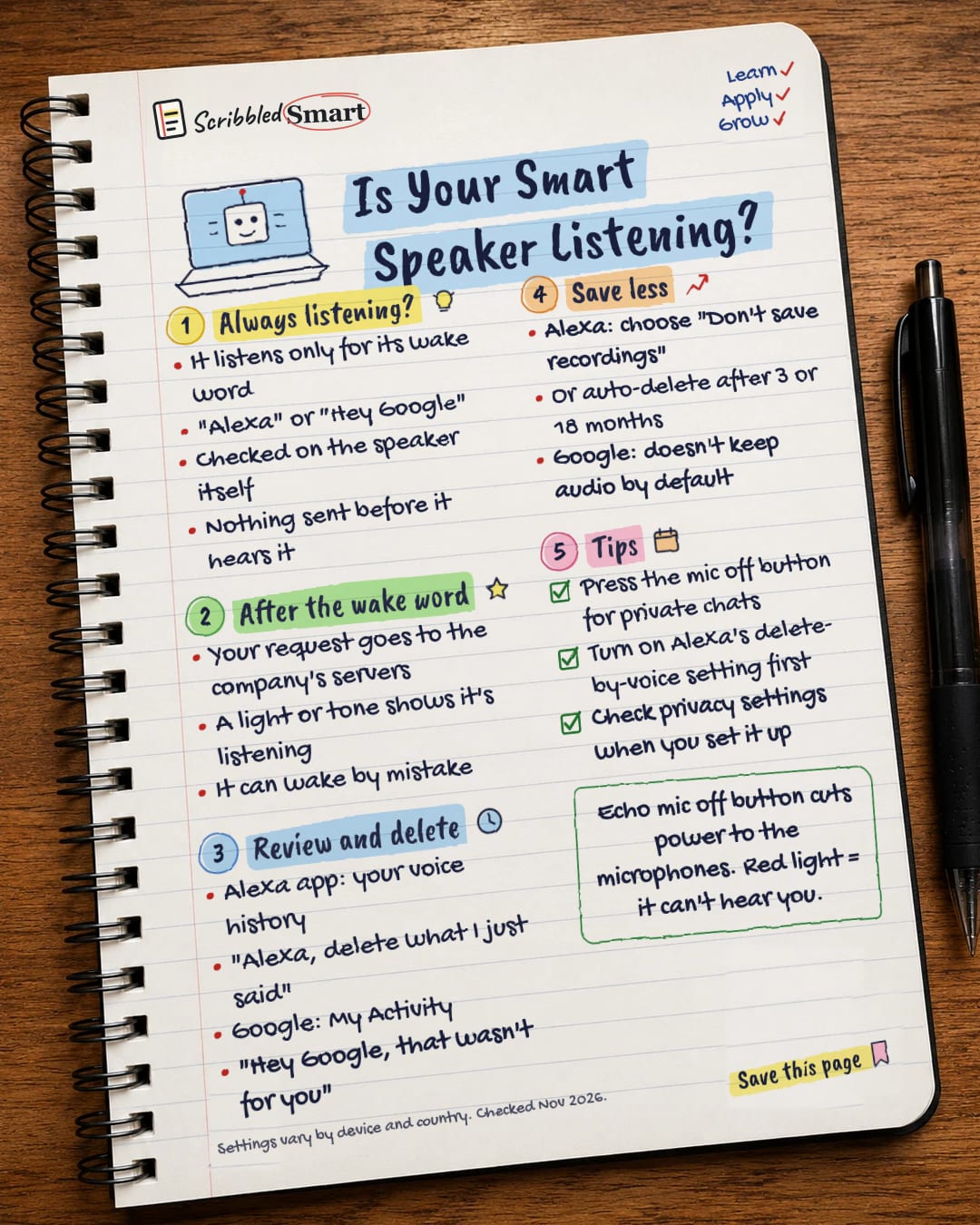
Always listening?
- It listens only for its wake word
- "Alexa" or "Hey Google"
- Checked on the speaker itself
- Nothing sent before it hears it
After the wake word
- Your request goes to the company's servers
- A light or tone shows it's listening
- It can wake by mistake
Review and delete
- Alexa app: your voice history
- "Alexa, delete what I just said"
- Google: My Activity
- "Hey Google, that wasn't for you"
Save less
- Alexa: choose "Don't save recordings"
- Or auto-delete after 3 or 18 months
- Google: doesn't keep audio by default
Tips
- Press the mic off button for private chats
- Turn on Alexa's delete-by-voice setting first
- Check privacy settings when you set it up
Sources
- Google Nest Help: Data security and privacy on Nest devices / Google Assistant
- About Amazon UK: Alexa makes privacy even easier for customers (24 Sept 2020)
- Amazon Customer Service: Alexa, Echo Devices and Your Privacy
- Amazon Customer Service: Ask Alexa to Delete Your Voice History
- AP via NY1: Amazon ends little-used privacy feature (March 2025)
How we checked this
Every fact on this note comes from the 5 sources listed here, checked against official or peer-reviewed sources where possible. AI tools help with drafting; a person checks every fact against the sources. How we research
Spotted a mistake? Tell us and we'll fix it and log it on the corrections page.


