
Productivity One-page note
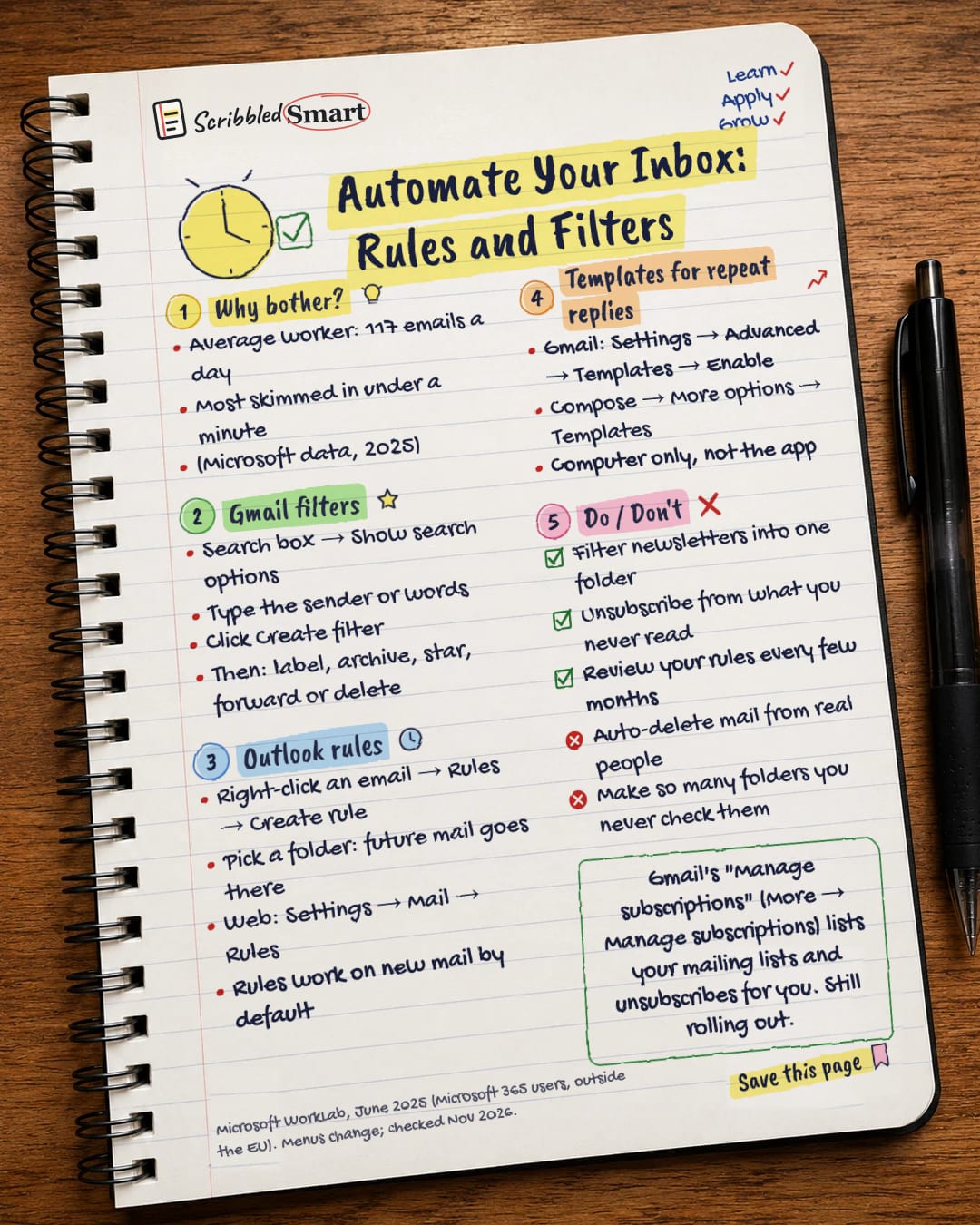
Automate Your Inbox: Rules and Filters
117 emails a day? Let rules, filters and templates do the sorting for you. Save this page.
Good to know
Microsoft WorkLab, June 2025 (Microsoft 365 users, outside the EU). Menus change; checked Nov 2026.
What's on the page
The note as text, so you can read it, copy it or use a screen reader.
Why bother?
- Average worker: 117 emails a day
- Most skimmed in under a minute
- (Microsoft data, 2025)
Gmail filters
- Search box → Show search options
- Type the sender or words
- Click Create filter
- Then: label, archive, star, forward or delete
Outlook rules
- Right-click an email → Rules → Create rule
- Pick a folder: future mail goes there
- Web: Settings → Mail → Rules
- Rules work on new mail by default
Templates for repeat replies
- Gmail: Settings → Advanced → Templates → Enable
- Compose → More options → Templates
- Computer only, not the app
Do / Don't
- Filter newsletters into one folder
- Unsubscribe from what you never read
- Review your rules every few months
- Auto-delete mail from real people
- Make so many folders you never check them
Sources
- Microsoft WorkLab (2025): Breaking down the infinite workday
- Gmail Help: Create rules to filter your emails
- Gmail Help: Create a template in Gmail
- Gmail Help: Manage your subscriptions in Gmail
- Google blog (2025): Declutter your inbox with Gmail's newest feature
- Microsoft Support: Manage email messages by using rules in Outlook
How we checked this
Every fact on this note comes from the 6 sources listed here, checked against official or peer-reviewed sources where possible. AI tools help with drafting; a person checks every fact against the sources. How we research
Spotted a mistake? Tell us and we'll fix it and log it on the corrections page.


