
Productivity One-page note
Keyboard Shortcuts That Save Time
Still right-clicking to copy and paste? These 16 shortcuts work on almost every Windows PC and Mac. Save this page.
Good to know
From Microsoft (Windows 11/10) and Apple (macOS) support pages. Checked Nov 2026.
What's on the page
The note as text, so you can read it, copy it or use a screen reader.
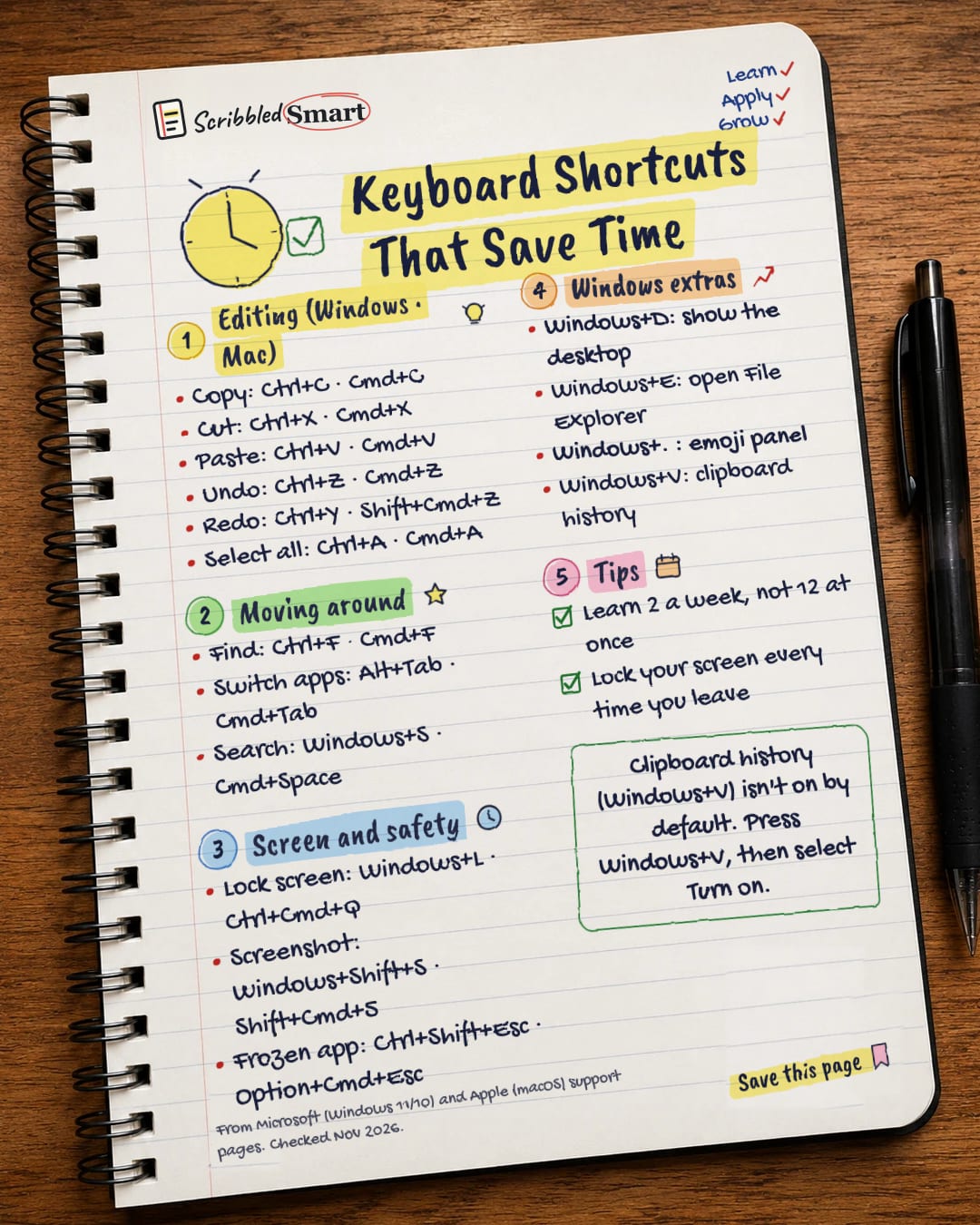
Editing (Windows · Mac)
- Copy: Ctrl+C · Cmd+C
- Cut: Ctrl+X · Cmd+X
- Paste: Ctrl+V · Cmd+V
- Undo: Ctrl+Z · Cmd+Z
- Redo: Ctrl+Y · Shift+Cmd+Z
- Select all: Ctrl+A · Cmd+A
Moving around
- Find: Ctrl+F · Cmd+F
- Switch apps: Alt+Tab · Cmd+Tab
- Search: Windows+S · Cmd+Space
Screen and safety
- Lock screen: Windows+L · Ctrl+Cmd+Q
- Screenshot: Windows+Shift+S · Shift+Cmd+5
- Frozen app: Ctrl+Shift+Esc · Option+Cmd+Esc
Windows extras
- Windows+D: show the desktop
- Windows+E: open File Explorer
- Windows+. : emoji panel
- Windows+V: clipboard history
Tips
- Learn 2 a week, not 12 at once
- Lock your screen every time you leave
Sources
How we checked this
Every fact on this note comes from the 3 sources listed here, checked against official or peer-reviewed sources where possible. AI tools help with drafting; a person checks every fact against the sources. How we research
Spotted a mistake? Tell us and we'll fix it and log it on the corrections page.


