
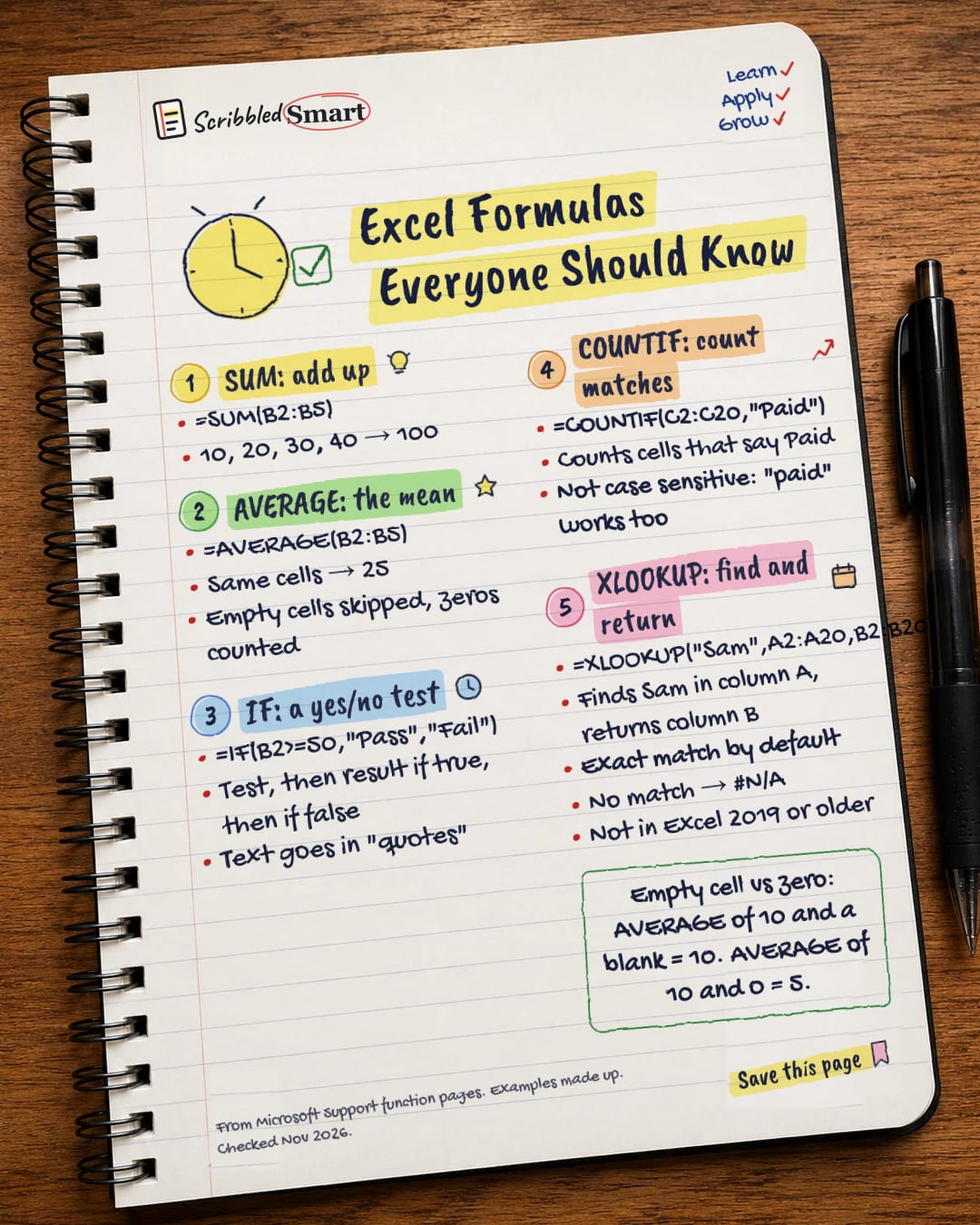
Productivity One-page note
Excel Formulas Everyone Should Know
Five formulas do most of the work in most spreadsheets. Here they are, each with a tiny example. Save this page.
Good to know
From Microsoft Support function pages. Examples made up. Checked Nov 2026.
What's on the page
The note as text, so you can read it, copy it or use a screen reader.
SUM: add up
- =SUM(B2:B5)
- 10, 20, 30, 40 → 100
AVERAGE: the mean
- =AVERAGE(B2:B5)
- Same cells → 25
- Empty cells skipped, zeros counted
IF: a yes/no test
- =IF(B2>=50,"Pass","Fail")
- Test, then result if true, then if false
- Text goes in "quotes"
COUNTIF: count matches
- =COUNTIF(C2:C20,"Paid")
- Counts cells that say Paid
- Not case sensitive: "paid" works too
XLOOKUP: find and return
- =XLOOKUP("Sam",A2:A20,B2:B20)
- Finds Sam in column A, returns column B
- Exact match by default
- No match → #N/A
- Not in Excel 2019 or older
Sources
How we checked this
Every fact on this note comes from the 6 sources listed here, checked against official or peer-reviewed sources where possible. AI tools help with drafting; a person checks every fact against the sources. How we research
Spotted a mistake? Tell us and we'll fix it and log it on the corrections page.


