
Productivity One-page note
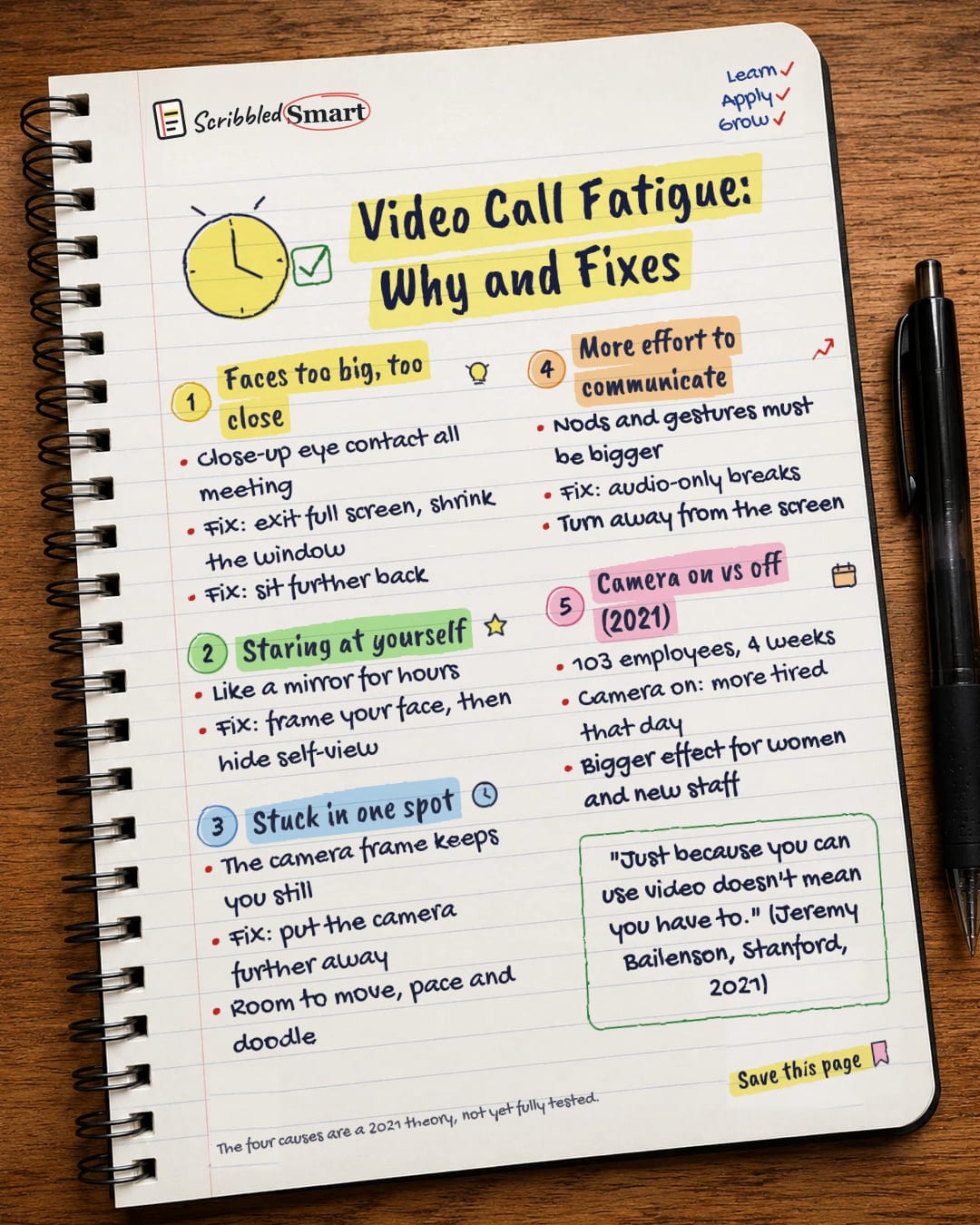
Video Call Fatigue: Why and Fixes
Why do video calls wear you out more than real meetings? Four reasons, four easy fixes. Save this page.
Good to know
The four causes are a 2021 theory, not yet fully tested.
What's on the page
The note as text, so you can read it, copy it or use a screen reader.
Faces too big, too close
- Close-up eye contact all meeting
- Fix: exit full screen, shrink the window
- Fix: sit further back
Staring at yourself
- Like a mirror for hours
- Fix: frame your face, then hide self-view
Stuck in one spot
- The camera frame keeps you still
- Fix: put the camera further away
- Room to move, pace and doodle
More effort to communicate
- Nods and gestures must be bigger
- Fix: audio-only breaks
- Turn away from the screen
Camera on vs off (2021)
- 103 employees, 4 weeks
- Camera on: more tired that day
- Bigger effect for women and new staff
Sources
- Technology, Mind, and Behavior: Bailenson (2021), Nonverbal overload
- EurekAlert / Stanford University: Stanford researchers identify four causes for 'Zoom fatigue' and their simple fixes (2021)
- Journal of Applied Psychology: Shockley et al. (2021)
- Scientific Reports: Ma et al. (2025), videoconferencing fatigue survey
How we checked this
Every fact on this note comes from the 4 sources listed here, checked against official or peer-reviewed sources where possible. AI tools help with drafting; a person checks every fact against the sources. How we research
Spotted a mistake? Tell us and we'll fix it and log it on the corrections page.


