
AI & Tech One-page note
App Permissions: What to Allow
Does that game really need your contacts? Here's what each app permission means and how to switch it off. Save this page.
Good to know
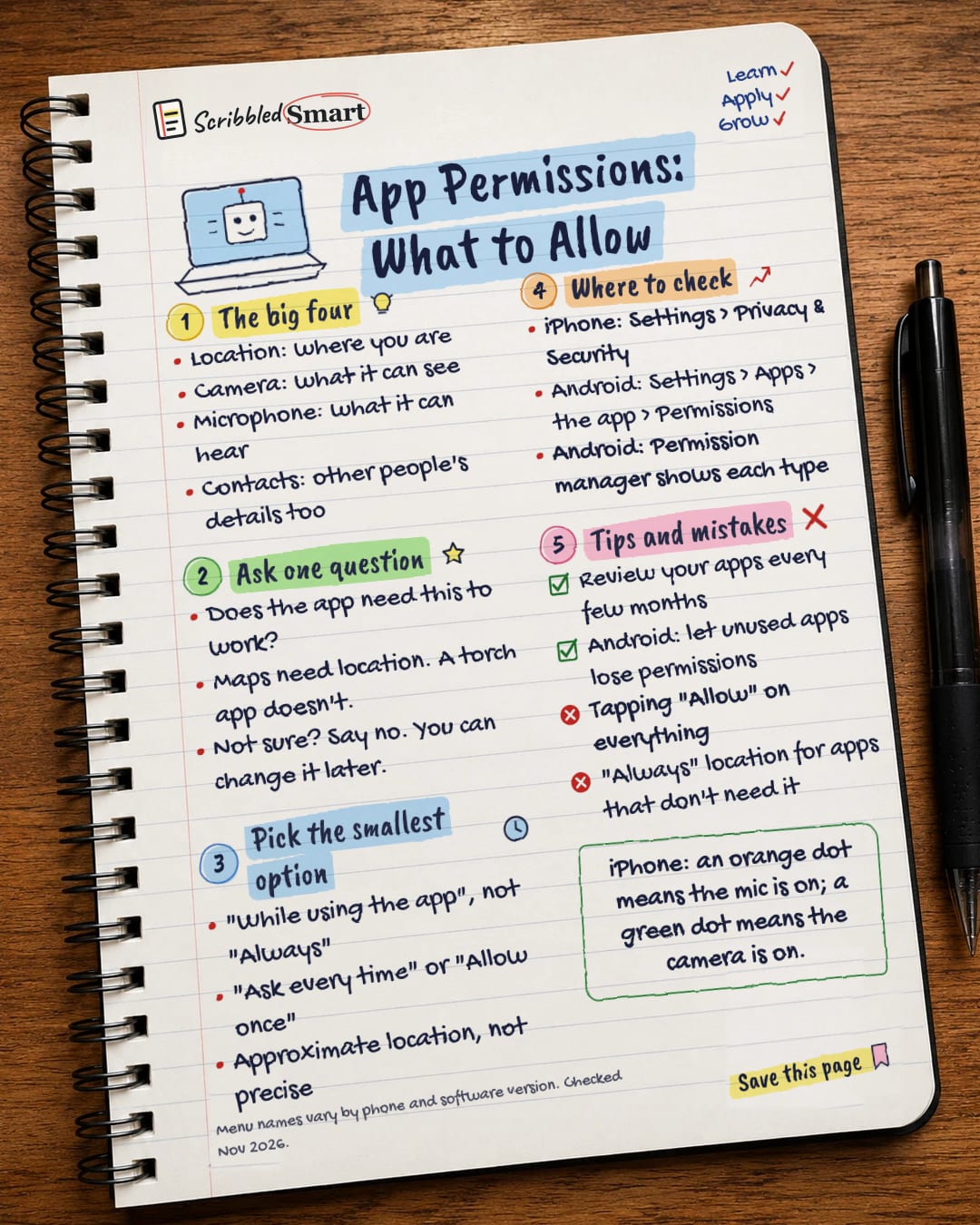
Menu names vary by phone and software version. Checked Nov 2026.
What's on the page
The note as text, so you can read it, copy it or use a screen reader.
The big four
- Location: where you are
- Camera: what it can see
- Microphone: what it can hear
- Contacts: other people's details too
Ask one question
- Does the app need this to work?
- Maps need location. A torch app doesn't.
- Not sure? Say no. You can change it later.
Pick the smallest option
- "While using the app", not "Always"
- "Ask every time" or "Allow once"
- Approximate location, not precise
Where to check
- iPhone: Settings > Privacy & Security
- Android: Settings > Apps > the app > Permissions
- Android: Permission manager shows each type
Tips and mistakes
- Review your apps every few months
- Android: let unused apps lose permissions
- Tapping "Allow" on everything
- "Always" location for apps that don't need it
Sources
- Google Android Help: Change app permissions on your Android phone
- Apple Support: Turn Location Services and GPS on or off
- Apple Support: About the orange and green indicators in your iPhone status bar
- ICO: Using apps safely and securely on your mobile (PDF)
- ICO: Smart products
- NCSC: Guidance for communities at high risk of digital surveillance (news PDF)
How we checked this
Every fact on this note comes from the 6 sources listed here, checked against official or peer-reviewed sources where possible. AI tools help with drafting; a person checks every fact against the sources. How we research
Spotted a mistake? Tell us and we'll fix it and log it on the corrections page.


