
AI & Tech One-page note UK only
Is Someone Tracking Your Phone?
Someone always knows where you are? Here's how to check your phone for location sharing, hidden trackers and spy apps, safely. Save this page.
Good to know
UK helplines (Refuge). Menus vary by phone. Checked Nov 2026.
What's on the page
The note as text, so you can read it, copy it or use a screen reader.
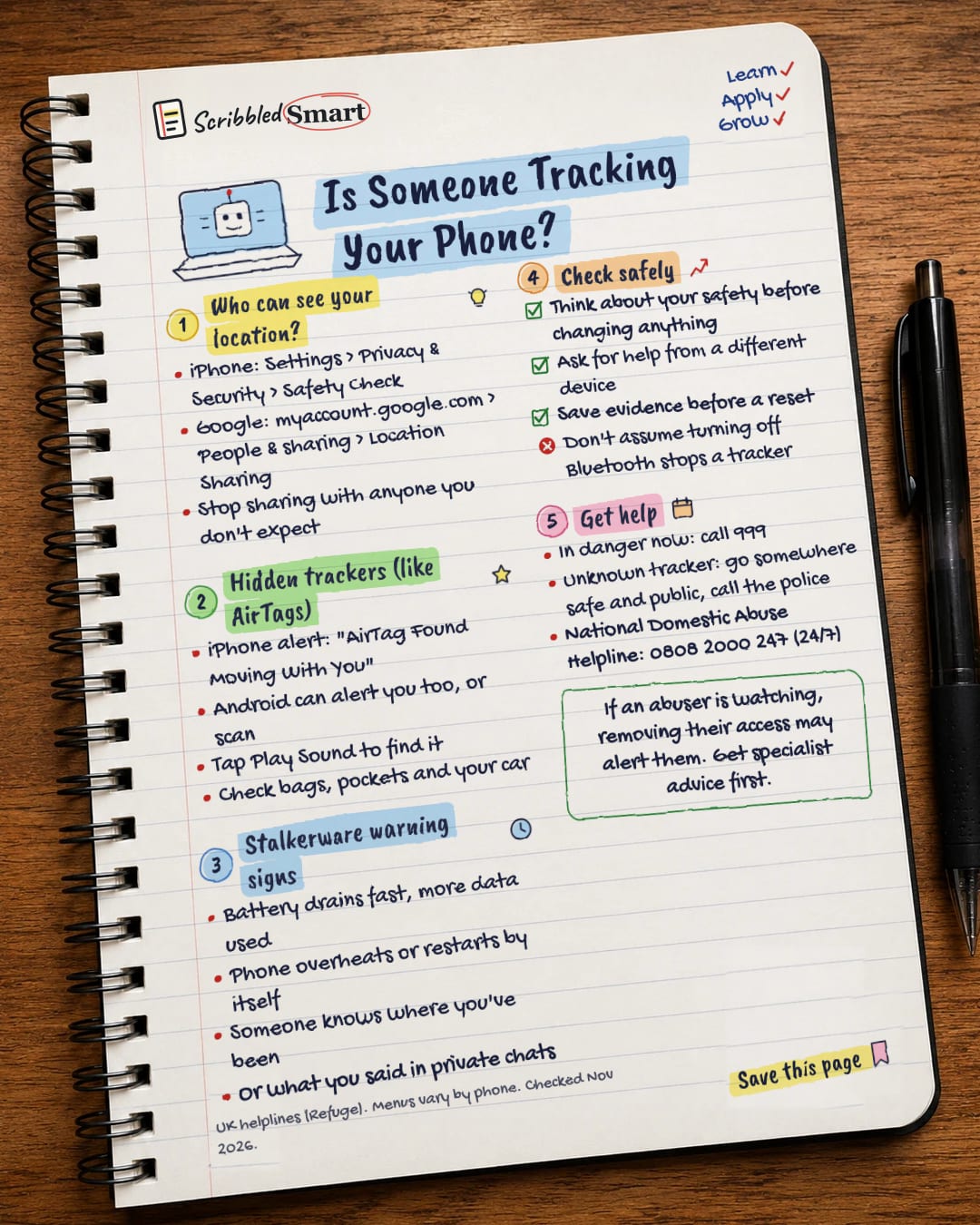
Who can see your location?
- iPhone: Settings > Privacy & Security > Safety Check
- Google: myaccount.google.com > People & sharing > Location Sharing
- Stop sharing with anyone you don't expect
Hidden trackers (like AirTags)
- iPhone alert: "AirTag Found Moving With You"
- Android can alert you too, or scan
- Tap Play Sound to find it
- Check bags, pockets and your car
Stalkerware warning signs
- Battery drains fast, more data used
- Phone overheats or restarts by itself
- Someone knows where you've been
- Or what you said in private chats
Check safely
- Think about your safety before changing anything
- Ask for help from a different device
- Save evidence before a reset
- Don't assume turning off Bluetooth stops a tracker
Get help
- In danger now: call 999
- Unknown tracker: go somewhere safe and public, call the police
- National Domestic Abuse Helpline: 0808 2000 247 (24/7)
Sources
- Apple Support: What to do if you get an alert that an AirTag, AirPods or Find My accessory is with you
- Apple Personal Safety User Guide: How Safety Check works
- Apple Personal Safety User Guide: device and account access checklist
- Google Maps Help: Share your real-time location with others
- US Federal Trade Commission: Stalking apps: what to know
- Refuge: Refuge Tech Safety
How we checked this
Every fact on this note comes from the 6 sources listed here, checked against official or peer-reviewed sources where possible. AI tools help with drafting; a person checks every fact against the sources. How we research
Spotted a mistake? Tell us and we'll fix it and log it on the corrections page.


