
AI & Tech One-page note
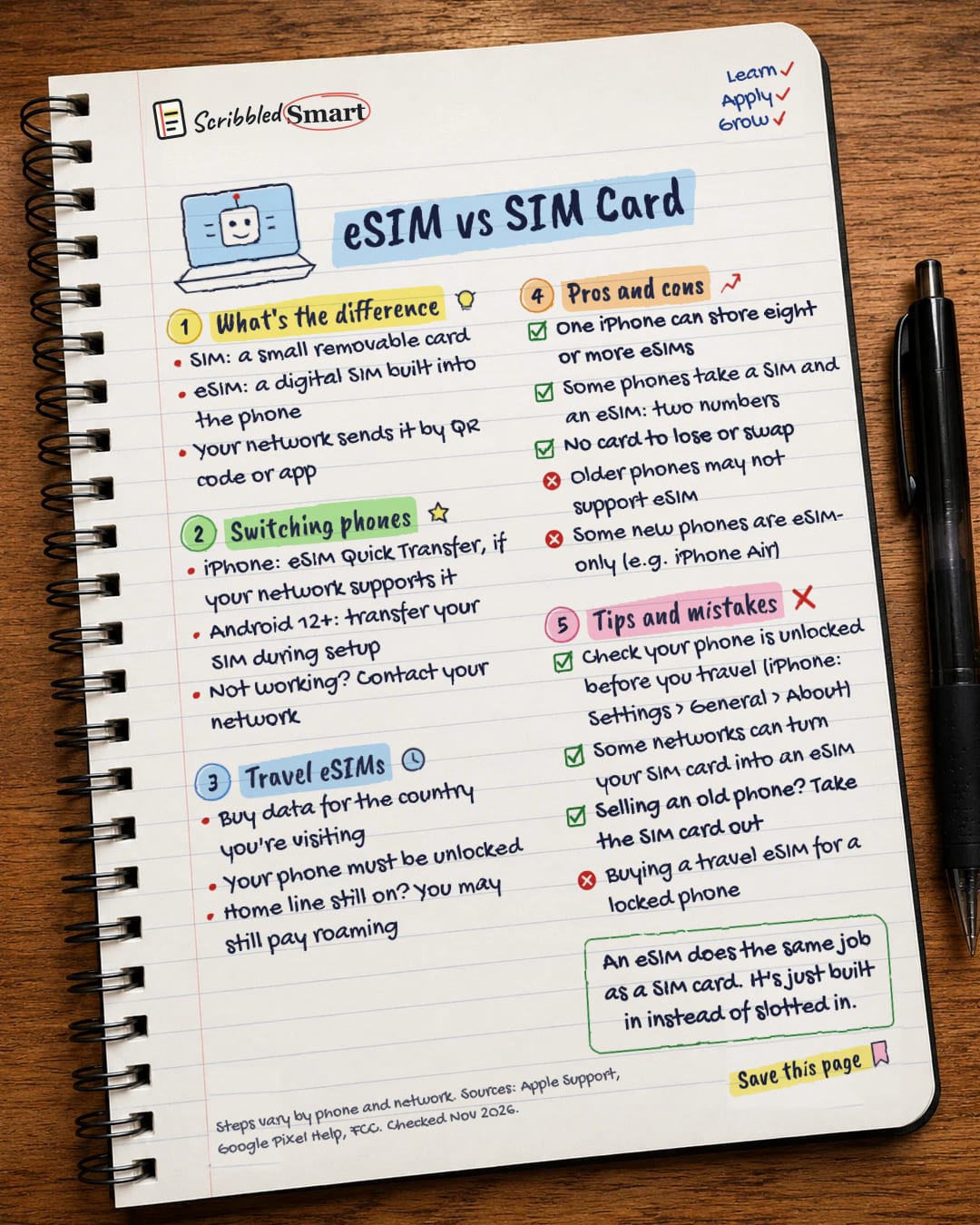
eSIM vs SIM Card
No SIM tray? No problem. Here's what an eSIM is, how to move it to a new phone, and how travel eSIMs work. Save this page.
Good to know
Steps vary by phone and network. Sources: Apple Support, Google Pixel Help, FCC. Checked Nov 2026.
What's on the page
The note as text, so you can read it, copy it or use a screen reader.
What's the difference
- SIM: a small removable card
- eSIM: a digital SIM built into the phone
- Your network sends it by QR code or app
Switching phones
- iPhone: eSIM Quick Transfer, if your network supports it
- Android 12+: transfer your SIM during setup
- Not working? Contact your network
Travel eSIMs
- Buy data for the country you're visiting
- Your phone must be unlocked
- Home line still on? You may still pay roaming
Pros and cons
- One iPhone can store eight or more eSIMs
- Some phones take a SIM and an eSIM: two numbers
- No card to lose or swap
- Older phones may not support eSIM
- Some new phones are eSIM-only (e.g. iPhone Air)
Tips and mistakes
- Check your phone is unlocked before you travel (iPhone: Settings > General > About)
- Some networks can turn your SIM card into an eSIM
- Selling an old phone? Take the SIM card out
- Buying a travel eSIM for a locked phone
Sources
How we checked this
Every fact on this note comes from the 5 sources listed here, checked against official or peer-reviewed sources where possible. AI tools help with drafting; a person checks every fact against the sources. How we research
Spotted a mistake? Tell us and we'll fix it and log it on the corrections page.


