
AI & Tech One-page note
How Streaming Works (Why It Buffers)
That spinning wheel means your video's "buffer" ran out. Here's how streaming really works, how much data an hour uses, and how to stop the buffering. Save this page.
Good to know
Simplified. Sources: IETF RFC 8216, Netflix Help, YouTube Help. Figures change: check your app. Checked Nov 2026.
What's on the page
The note as text, so you can read it, copy it or use a screen reader.
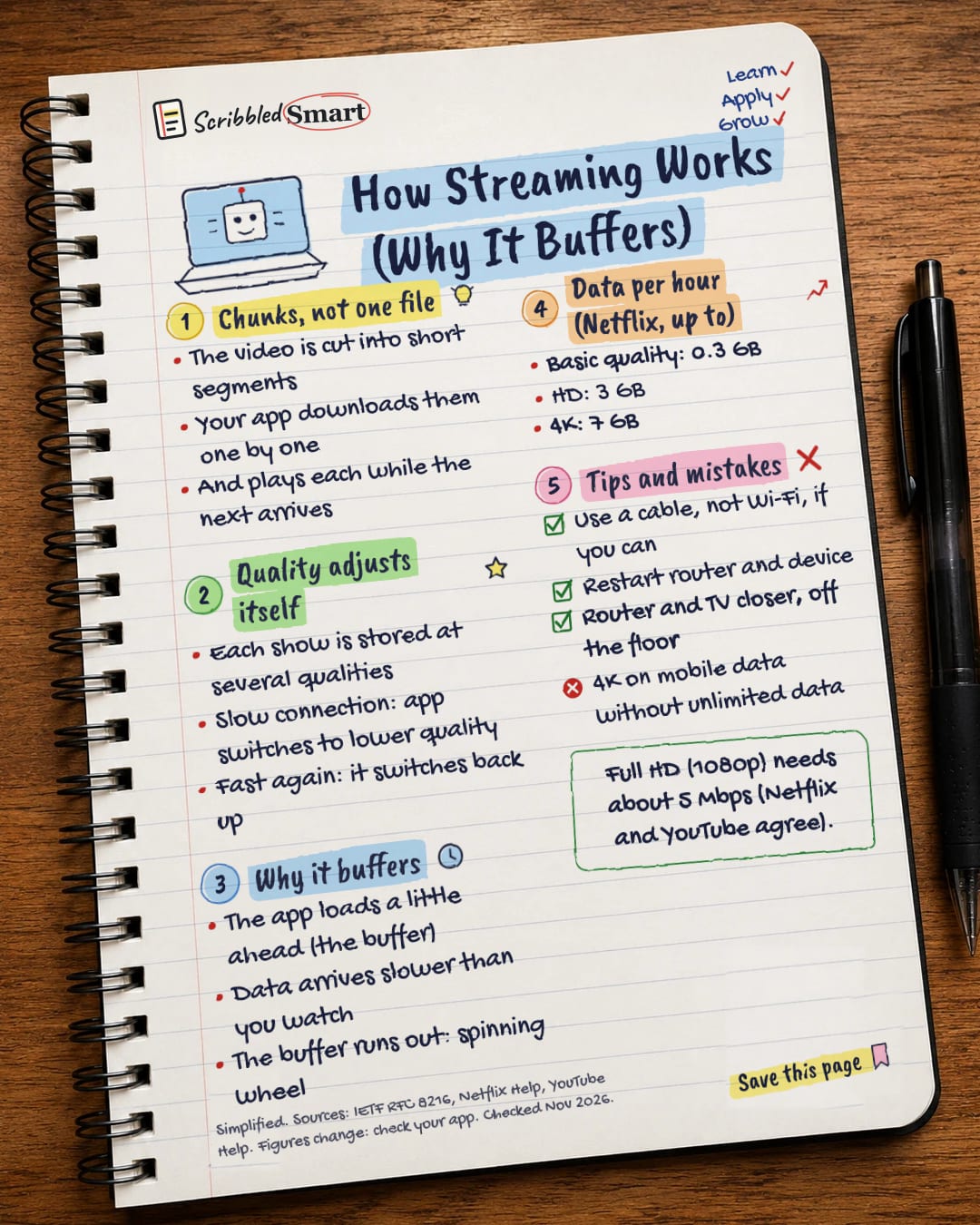
Chunks, not one file
- The video is cut into short segments
- Your app downloads them one by one
- And plays each while the next arrives
Quality adjusts itself
- Each show is stored at several qualities
- Slow connection: app switches to lower quality
- Fast again: it switches back up
Why it buffers
- The app loads a little ahead (the buffer)
- Data arrives slower than you watch
- The buffer runs out: spinning wheel
Data per hour (Netflix, up to)
- Basic quality: 0.3 GB
- HD: 3 GB
- 4K: 7 GB
Tips and mistakes
- Use a cable, not Wi-Fi, if you can
- Restart router and device
- Router and TV closer, off the floor
- 4K on mobile data without unlimited data
Sources
- IETF RFC 8216: HTTP Live Streaming
- Netflix Help: How to control how much data Netflix uses
- Netflix Help: Internet connection speed recommendations
- Netflix Help: TV show or movie loads slowly or keeps buffering
- YouTube Help: Video resolution & connection speeds
- TechTerms: Buffer
- Restream: What is buffering
- Kinescope: Buffering
How we checked this
Every fact on this note comes from the 8 sources listed here, checked against official or peer-reviewed sources where possible. AI tools help with drafting; a person checks every fact against the sources. How we research
Spotted a mistake? Tell us and we'll fix it and log it on the corrections page.


