
AI & Tech One-page note
How Email Works (and Spam Filters)
You press send, and seconds later it's on the other side of the world, or in spam. Here's how email really travels, and how filters spot fakes. Save this page.
Good to know
Simplified. Sources: IETF (RFC 5321, 7208, 6376, 7489), Google Gmail Help, NCSC. Checked Nov 2026.
What's on the page
The note as text, so you can read it, copy it or use a screen reader.
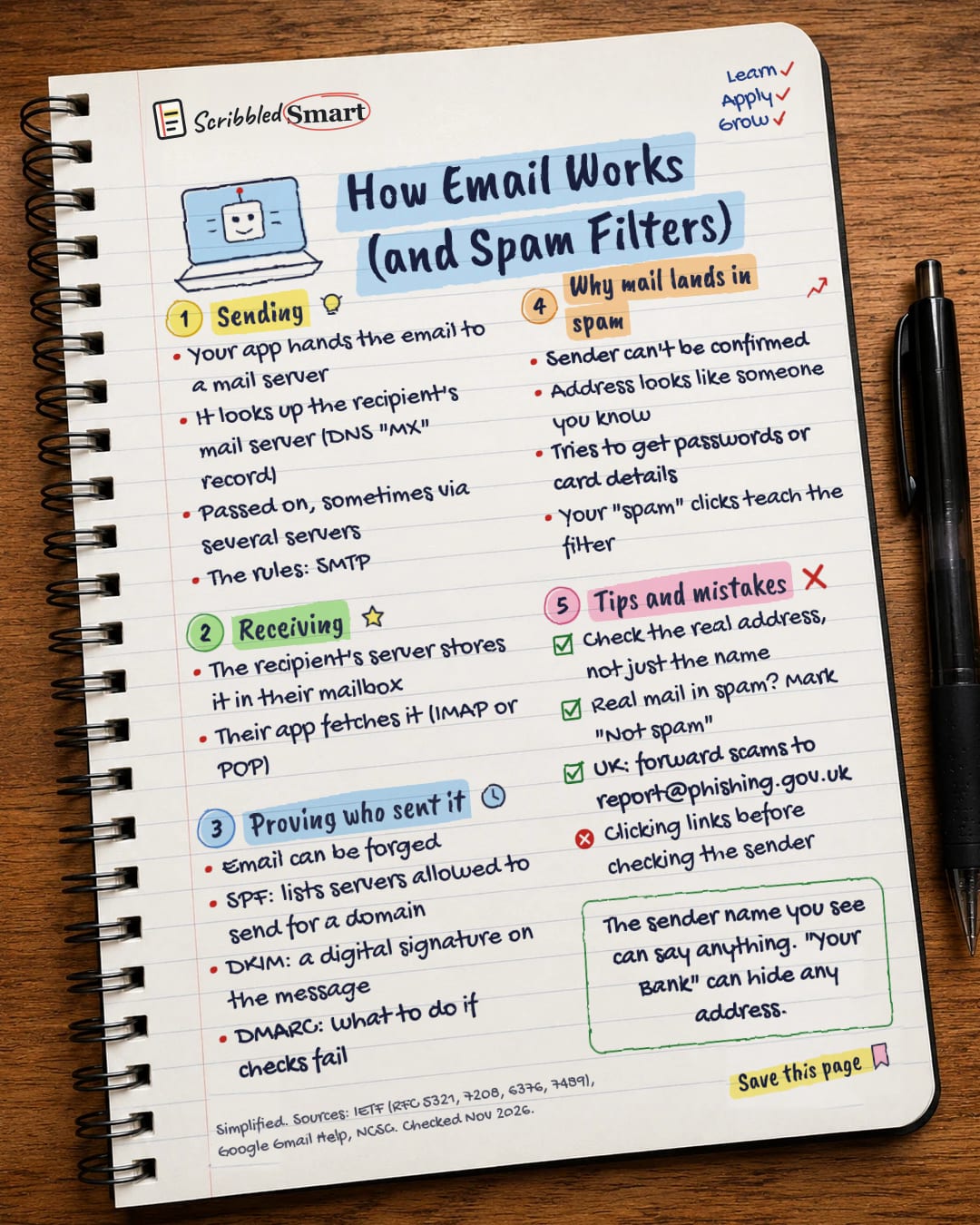
Sending
- Your app hands the email to a mail server
- It looks up the recipient's mail server (DNS "MX" record)
- Passed on, sometimes via several servers
- The rules: SMTP
Receiving
- The recipient's server stores it in their mailbox
- Their app fetches it (IMAP or POP)
Proving who sent it
- Email can be forged
- SPF: lists servers allowed to send for a domain
- DKIM: a digital signature on the message
- DMARC: what to do if checks fail
Why mail lands in spam
- Sender can't be confirmed
- Address looks like someone you know
- Tries to get passwords or card details
- Your "spam" clicks teach the filter
Tips and mistakes
- Check the real address, not just the name
- Real mail in spam? Mark "Not spam"
- UK: forward scams to report@phishing.gov.uk
- Clicking links before checking the sender
Sources
- IETF RFC 5321: Simple Mail Transfer Protocol
- IETF RFC 5598: Internet Mail Architecture
- IETF RFC 7208: Sender Policy Framework (SPF)
- IETF RFC 6376: DomainKeys Identified Mail (DKIM) Signatures
- IETF RFC 7489: Domain-based Message Authentication, Reporting, and Conformance (DMARC)
- Google Gmail Help: Why messages are marked as spam
- NCSC: Report a scam email
How we checked this
Every fact on this note comes from the 7 sources listed here, checked against official or peer-reviewed sources where possible. AI tools help with drafting; a person checks every fact against the sources. How we research
Spotted a mistake? Tell us and we'll fix it and log it on the corrections page.


