
AI & Tech One-page note
How Wi-Fi Works
Wi-Fi is just radio, carrying 1s and 0s through your walls. Here's how it works, what 2.4 and 5 GHz mean, and why your microwave can slow it down. Save this page.
Good to know
Simplified. Sources: The Conversation (USC engineer), Apple Support, BT, Wi-Fi Alliance. Checked Nov 2026.
What's on the page
The note as text, so you can read it, copy it or use a screen reader.
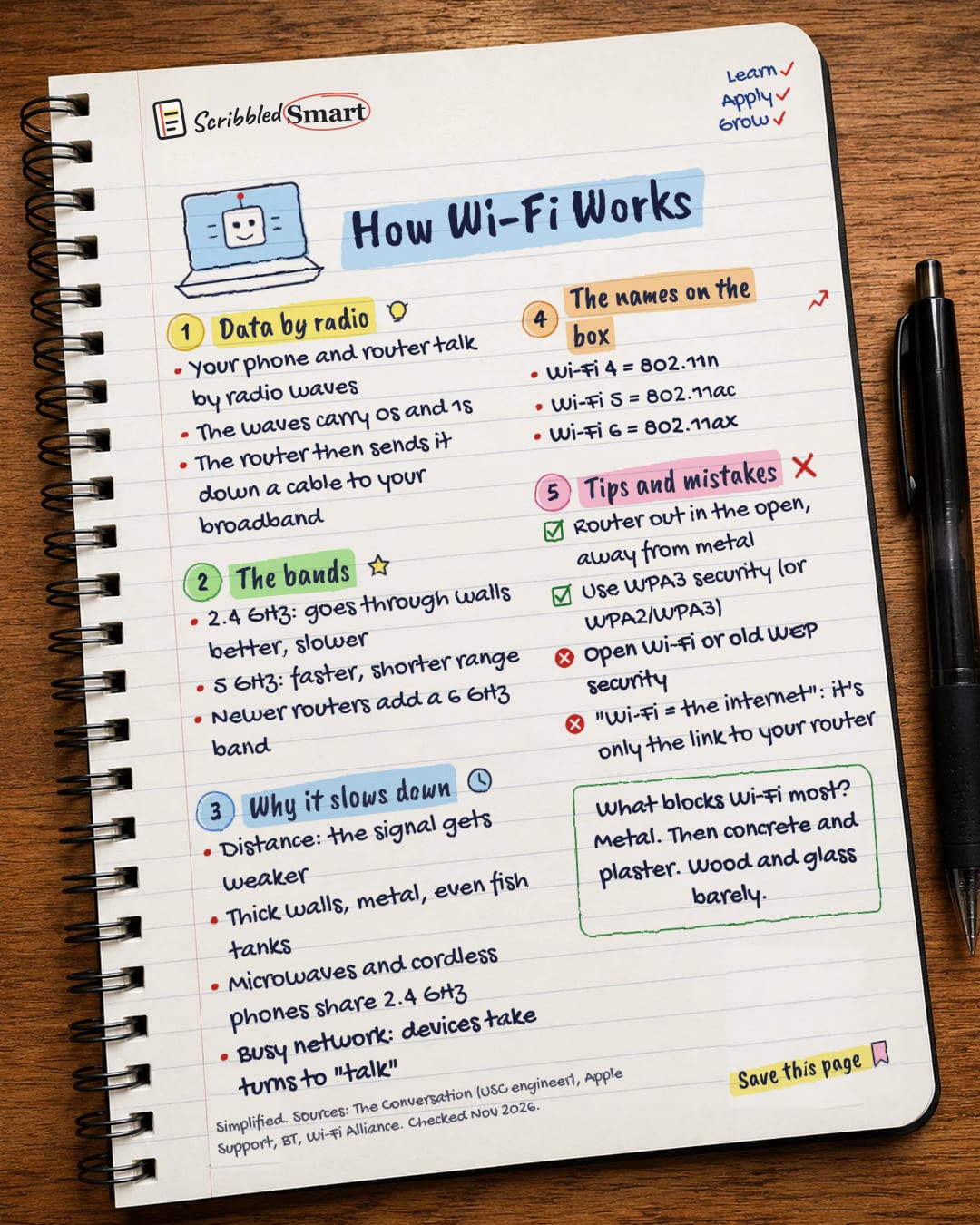
Data by radio
- Your phone and router talk by radio waves
- The waves carry 0s and 1s
- The router then sends it down a cable to your broadband
The bands
- 2.4 GHz: goes through walls better, slower
- 5 GHz: faster, shorter range
- Newer routers add a 6 GHz band
Why it slows down
- Distance: the signal gets weaker
- Thick walls, metal, even fish tanks
- Microwaves and cordless phones share 2.4 GHz
- Busy network: devices take turns to "talk"
The names on the box
- Wi-Fi 4 = 802.11n
- Wi-Fi 5 = 802.11ac
- Wi-Fi 6 = 802.11ax
Tips and mistakes
- Router out in the open, away from metal
- Use WPA3 security (or WPA2/WPA3)
- Open Wi-Fi or old WEP security
- "Wi-Fi = the internet": it's only the link to your router
Sources
- The Conversation: How does Wi-Fi work? An electrical engineer explains (B. Krishnamachari, 12 Jan 2021)
- Apple Support: Resolve Wi-Fi and Bluetooth issues caused by wireless interference
- Apple Support: Recommended settings for Wi-Fi routers and access points
- Apple Platform Deployment: Optimize your Wi-Fi networks for Apple devices
- BT: I have problems connecting 5GHz and dual band devices wirelessly
- Wi-Fi Alliance: Wi-Fi Alliance introduces Wi-Fi 6 (3 Oct 2018)
How we checked this
Every fact on this note comes from the 6 sources listed here, checked against official or peer-reviewed sources where possible. AI tools help with drafting; a person checks every fact against the sources. How we research
Spotted a mistake? Tell us and we'll fix it and log it on the corrections page.


