
AI & Tech One-page note UK only
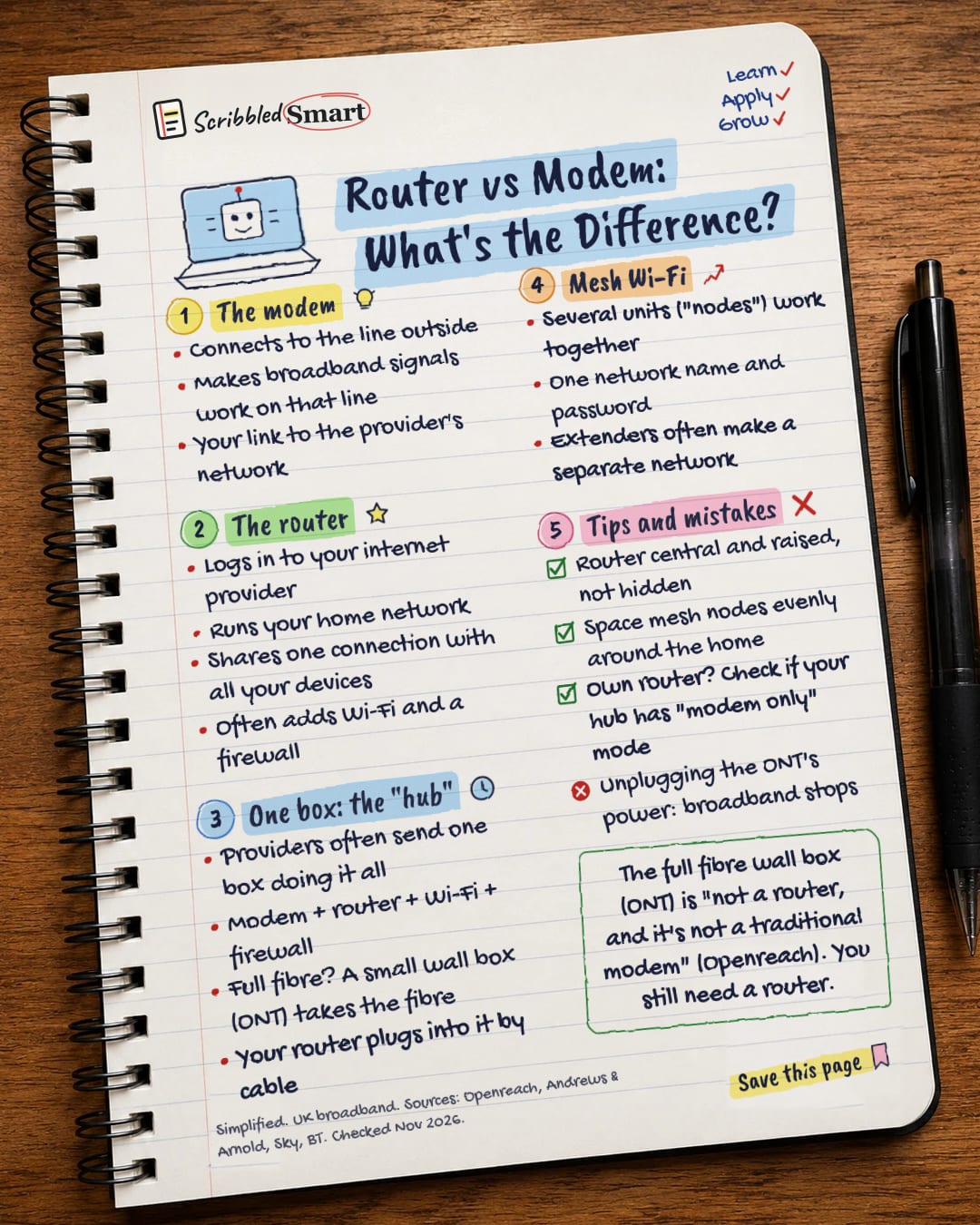
Router vs Modem: What's the Difference?
Modem, router, hub, ONT, mesh: what does each box actually do? The difference, explained in one page. Save this page.
Good to know
Simplified. UK broadband. Sources: Openreach, Andrews & Arnold, Sky, BT. Checked Nov 2026.
What's on the page
The note as text, so you can read it, copy it or use a screen reader.
The modem
- Connects to the line outside
- Makes broadband signals work on that line
- Your link to the provider's network
The router
- Logs in to your internet provider
- Runs your home network
- Shares one connection with all your devices
- Often adds Wi-Fi and a firewall
One box: the "hub"
- Providers often send one box doing it all
- Modem + router + Wi-Fi + firewall
- Full fibre? A small wall box (ONT) takes the fibre
- Your router plugs into it by cable
Mesh Wi-Fi
- Several units ("nodes") work together
- One network name and password
- Extenders often make a separate network
Tips and mistakes
- Router central and raised, not hidden
- Space mesh nodes evenly around the home
- Own router? Check if your hub has "modem only" mode
- Unplugging the ONT's power: broadband stops
Sources
How we checked this
Every fact on this note comes from the 5 sources listed here, checked against official or peer-reviewed sources where possible. AI tools help with drafting; a person checks every fact against the sources. How we research
Spotted a mistake? Tell us and we'll fix it and log it on the corrections page.


