
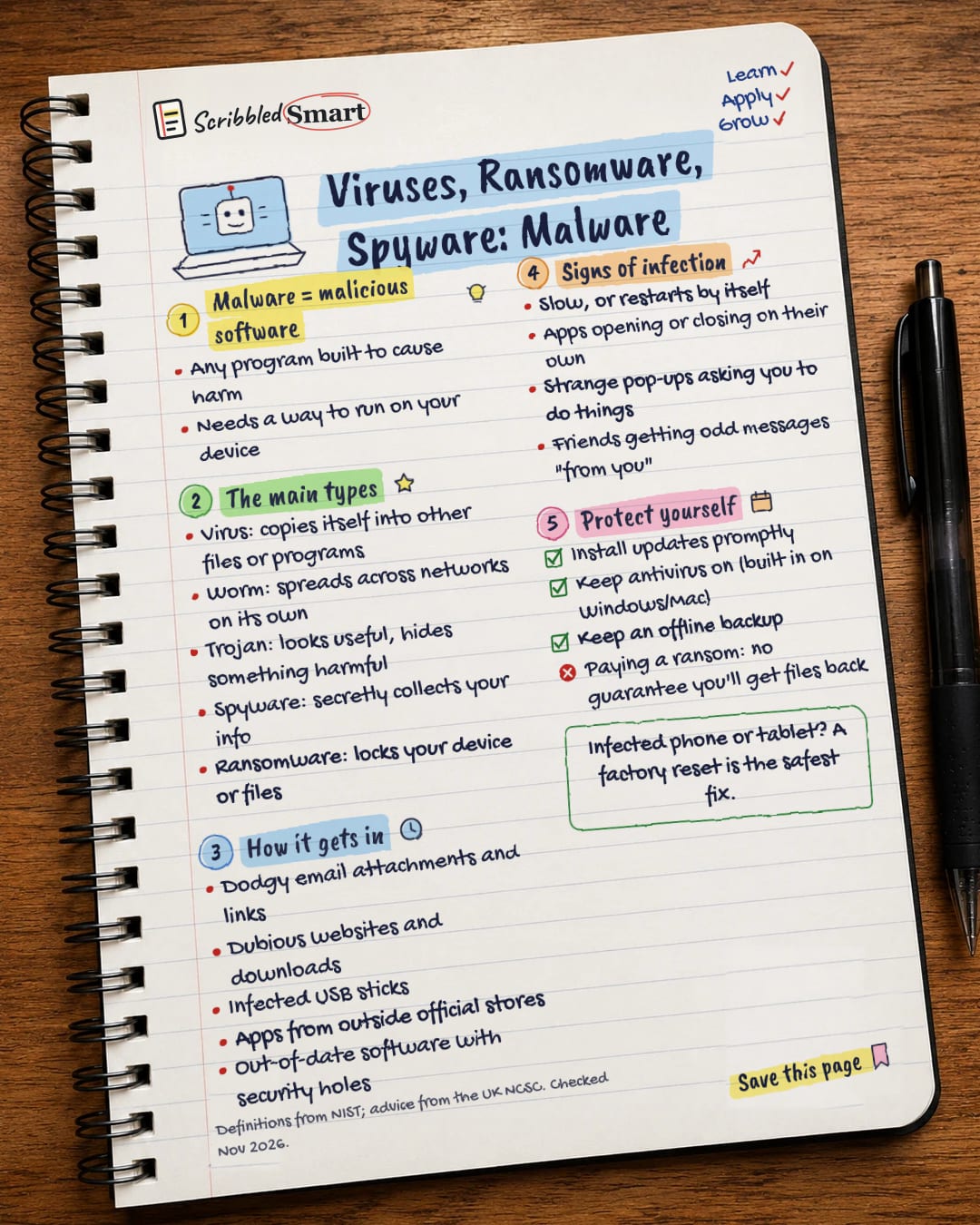
AI & Tech One-page note UK only
Viruses, Ransomware, Spyware: Malware
Virus, worm, trojan, spyware, ransomware: what each one does, how it gets in, and the signs your device is infected. Save this page.
Good to know
Definitions from NIST; advice from the UK NCSC. Checked Nov 2026.
What's on the page
The note as text, so you can read it, copy it or use a screen reader.
Malware = malicious software
- Any program built to cause harm
- Needs a way to run on your device
The main types
- Virus: copies itself into other files or programs
- Worm: spreads across networks on its own
- Trojan: looks useful, hides something harmful
- Spyware: secretly collects your info
- Ransomware: locks your device or files
How it gets in
- Dodgy email attachments and links
- Dubious websites and downloads
- Infected USB sticks
- Apps from outside official stores
- Out-of-date software with security holes
Signs of infection
- Slow, or restarts by itself
- Apps opening or closing on their own
- Strange pop-ups asking you to do things
- Friends getting odd messages "from you"
Protect yourself
- Install updates promptly
- Keep antivirus on (built in on Windows/Mac)
- Keep an offline backup
- Paying a ransom: no guarantee you'll get files back
Sources
- NCSC: Mitigating malware and ransomware attacks
- NCSC: Hacked device: action to take
- NCSC: What is an antivirus product? Do I need one?
- NCSC: Install the latest software and app updates
- NCSC: Advisory BADBAZAAR and MOONSHINE (9 Apr 2025)
- NCSC: Threat report on application stores
- NIST CSRC Glossary: virus
- NIST CSRC Glossary: worm
- NIST CSRC Glossary: Trojan horse
- NIST CSRC Glossary: spyware
How we checked this
Every fact on this note comes from the 10 sources listed here, checked against official or peer-reviewed sources where possible. AI tools help with drafting; a person checks every fact against the sources. How we research
Spotted a mistake? Tell us and we'll fix it and log it on the corrections page.


