
AI & Tech One-page note UK only
Do You Still Need Antivirus?
Paying for antivirus? Your computer might already have it. Here's what's built in, when extra helps, and the fake pop-ups to ignore. Save this page.
Good to know
Based on UK NCSC guidance and Microsoft, Apple and Google help pages. Checked Nov 2026.
What's on the page
The note as text, so you can read it, copy it or use a screen reader.
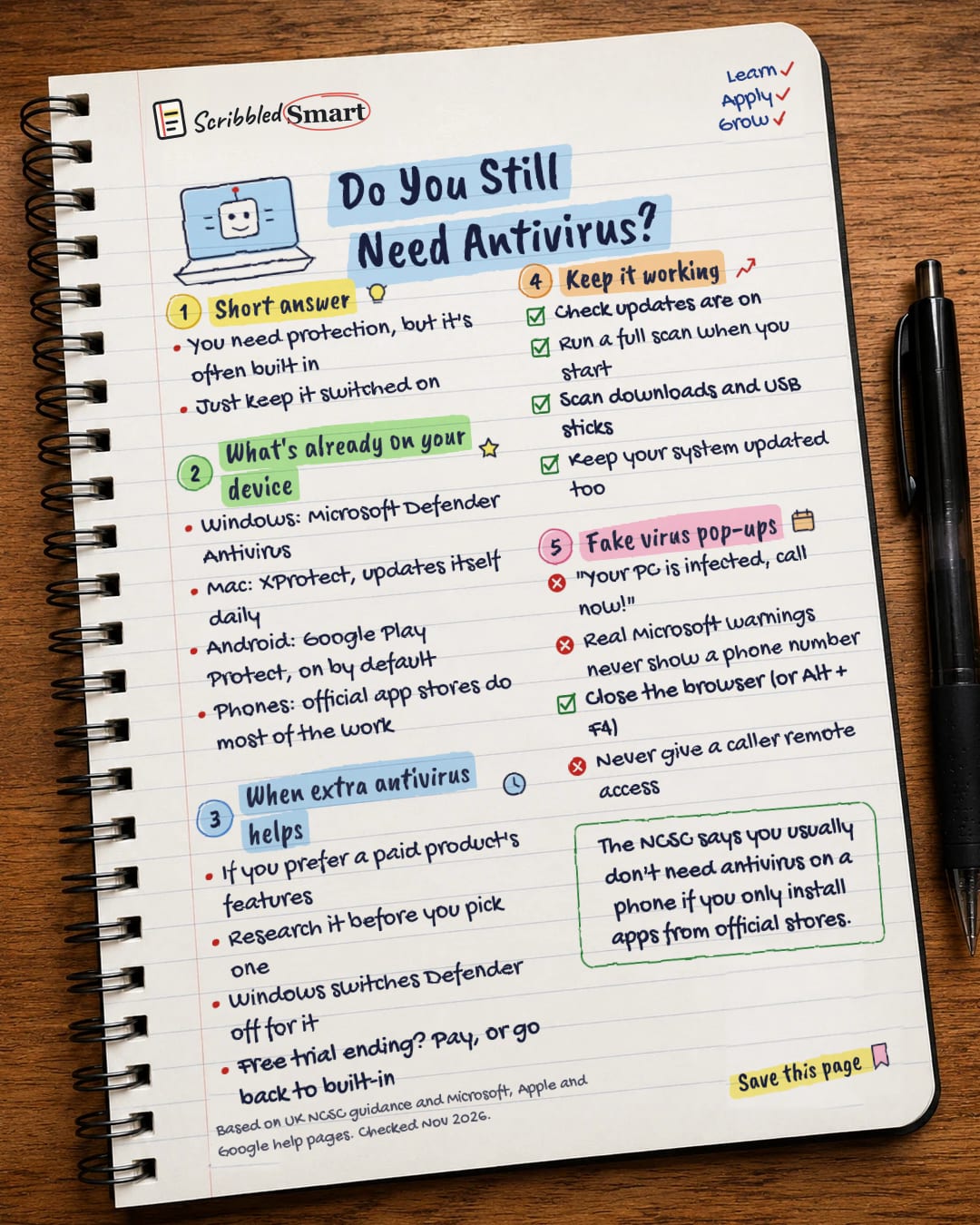
Short answer
- You need protection, but it's often built in
- Just keep it switched on
What's already on your device
- Windows: Microsoft Defender Antivirus
- Mac: XProtect, updates itself daily
- Android: Google Play Protect, on by default
- Phones: official app stores do most of the work
When extra antivirus helps
- If you prefer a paid product's features
- Research it before you pick one
- Windows switches Defender off for it
- Free trial ending? Pay, or go back to built-in
Keep it working
- Check updates are on
- Run a full scan when you start
- Scan downloads and USB sticks
- Keep your system updated too
Fake virus pop-ups
- "Your PC is infected, call now!"
- Real Microsoft warnings never show a phone number
- Close the browser (or Alt + F4)
- Never give a caller remote access
Sources
- NCSC: What is an antivirus product? Do I need one?
- NCSC: Install the latest software and app updates
- Microsoft Support: Stay protected with Windows Security
- Microsoft Learn: Microsoft Defender Antivirus compatibility with other security products
- Microsoft Support: Protect yourself from tech support scams
- Apple Platform Security: Protecting against malware in macOS (XProtect)
- Google Play Help: Use Google Play Protect to help keep your apps safe
How we checked this
Every fact on this note comes from the 7 sources listed here, checked against official or peer-reviewed sources where possible. AI tools help with drafting; a person checks every fact against the sources. How we research
Spotted a mistake? Tell us and we'll fix it and log it on the corrections page.


