
AI & Tech One-page note
Passkeys Explained
No password to forget, nothing for scammers to steal. Here's how passkeys actually work. Save this page.
Good to know
Menus vary by app and device. Checked Nov 2026.
What's on the page
The note as text, so you can read it, copy it or use a screen reader.
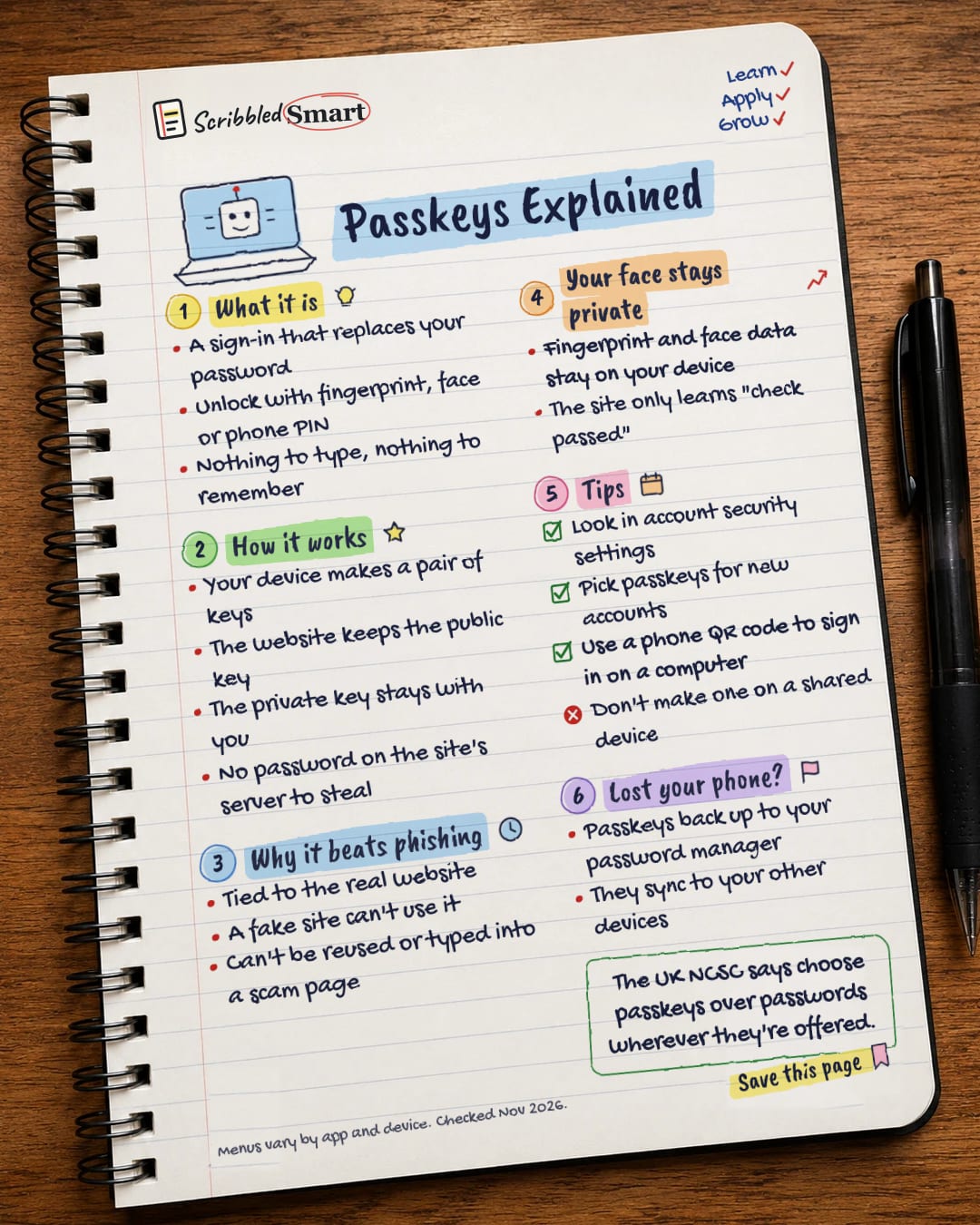
What it is
- A sign-in that replaces your password
- Unlock with fingerprint, face or phone PIN
- Nothing to type, nothing to remember
How it works
- Your device makes a pair of keys
- The website keeps the public key
- The private key stays with you
- No password on the site's server to steal
Why it beats phishing
- Tied to the real website
- A fake site can't use it
- Can't be reused or typed into a scam page
Your face stays private
- Fingerprint and face data stay on your device
- The site only learns "check passed"
Tips
- Look in account security settings
- Pick passkeys for new accounts
- Use a phone QR code to sign in on a computer
- Don't make one on a shared device
Lost your phone?
- Passkeys back up to your password manager
- They sync to your other devices
Sources
How we checked this
Every fact on this note comes from the 3 sources listed here, checked against official or peer-reviewed sources where possible. AI tools help with drafting; a person checks every fact against the sources. How we research
Spotted a mistake? Tell us and we'll fix it and log it on the corrections page.


