
AI & Tech One-page note
Phone Storage Full: What to Clear First
"Storage almost full" again? Here's what to clear first, without losing your photos. Save this page.
Good to know
Menus vary by phone and app version. Checked Nov 2026.
What's on the page
The note as text, so you can read it, copy it or use a screen reader.
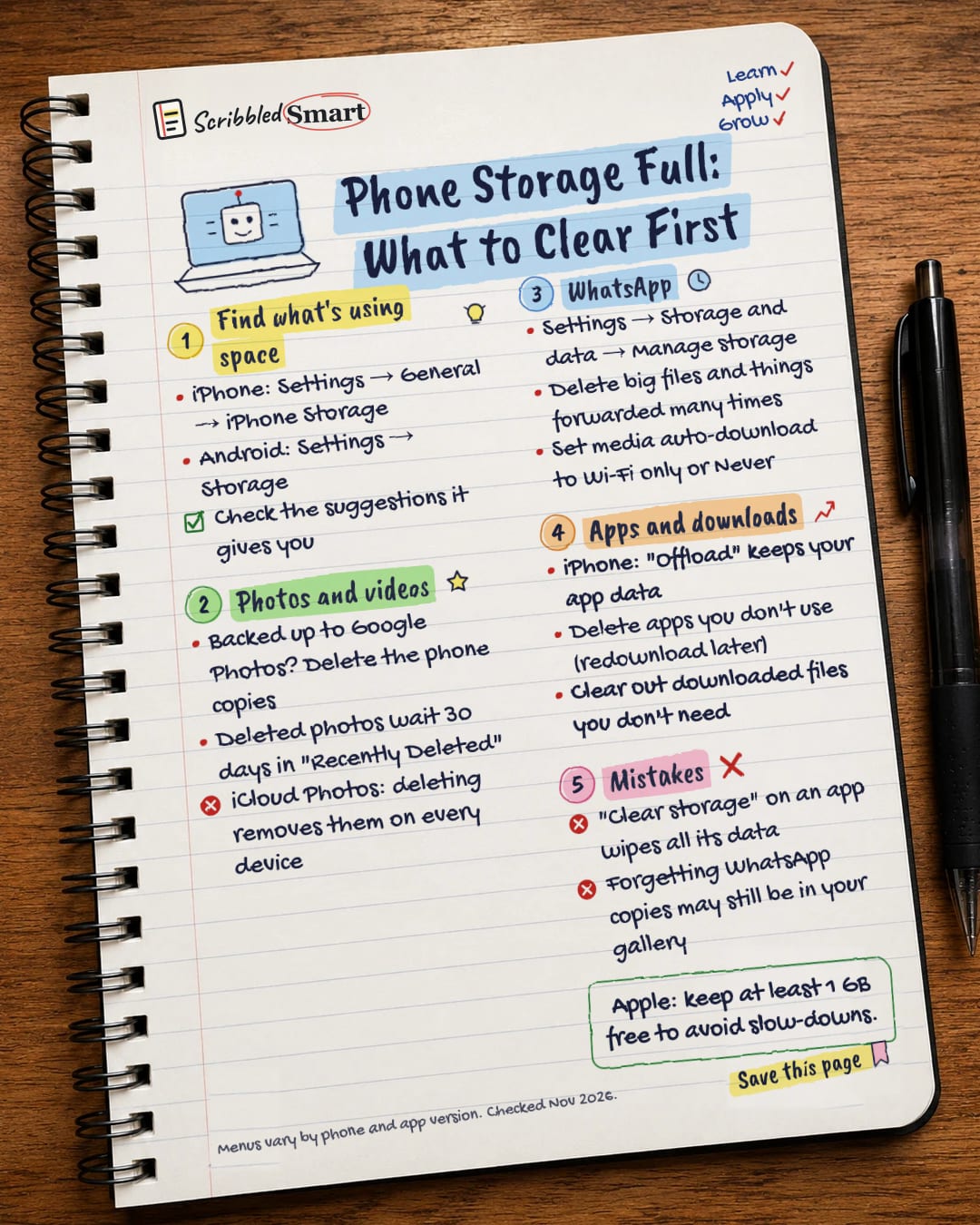
Find what's using space
- iPhone: Settings → General → iPhone Storage
- Android: Settings → Storage
- Check the suggestions it gives you
Photos and videos
- Backed up to Google Photos? Delete the phone copies
- Deleted photos wait 30 days in "Recently Deleted"
- iCloud Photos: deleting removes them on every device
- Settings → Storage and data → Manage storage
- Delete big files and things forwarded many times
- Set media auto-download to Wi-Fi only or Never
Apps and downloads
- iPhone: "Offload" keeps your app data
- Delete apps you don't use (redownload later)
- Clear out downloaded files you don't need
Mistakes
- "Clear storage" on an app wipes all its data
- Forgetting WhatsApp copies may still be in your gallery
Sources
- Apple Support: How to check the storage on your iPhone and iPad
- Apple Support: Delete photos on your iPhone or iPad
- Apple Support: If your iPhone or iPad is running slow
- Google Android Help: Free up space
- WhatsApp Help Centre: How to free up storage on WhatsApp
- WhatsApp Help Centre: How to configure auto-download
How we checked this
Every fact on this note comes from the 6 sources listed here, checked against official or peer-reviewed sources where possible. AI tools help with drafting; a person checks every fact against the sources. How we research
Spotted a mistake? Tell us and we'll fix it and log it on the corrections page.


