
AI & Tech One-page note UK only
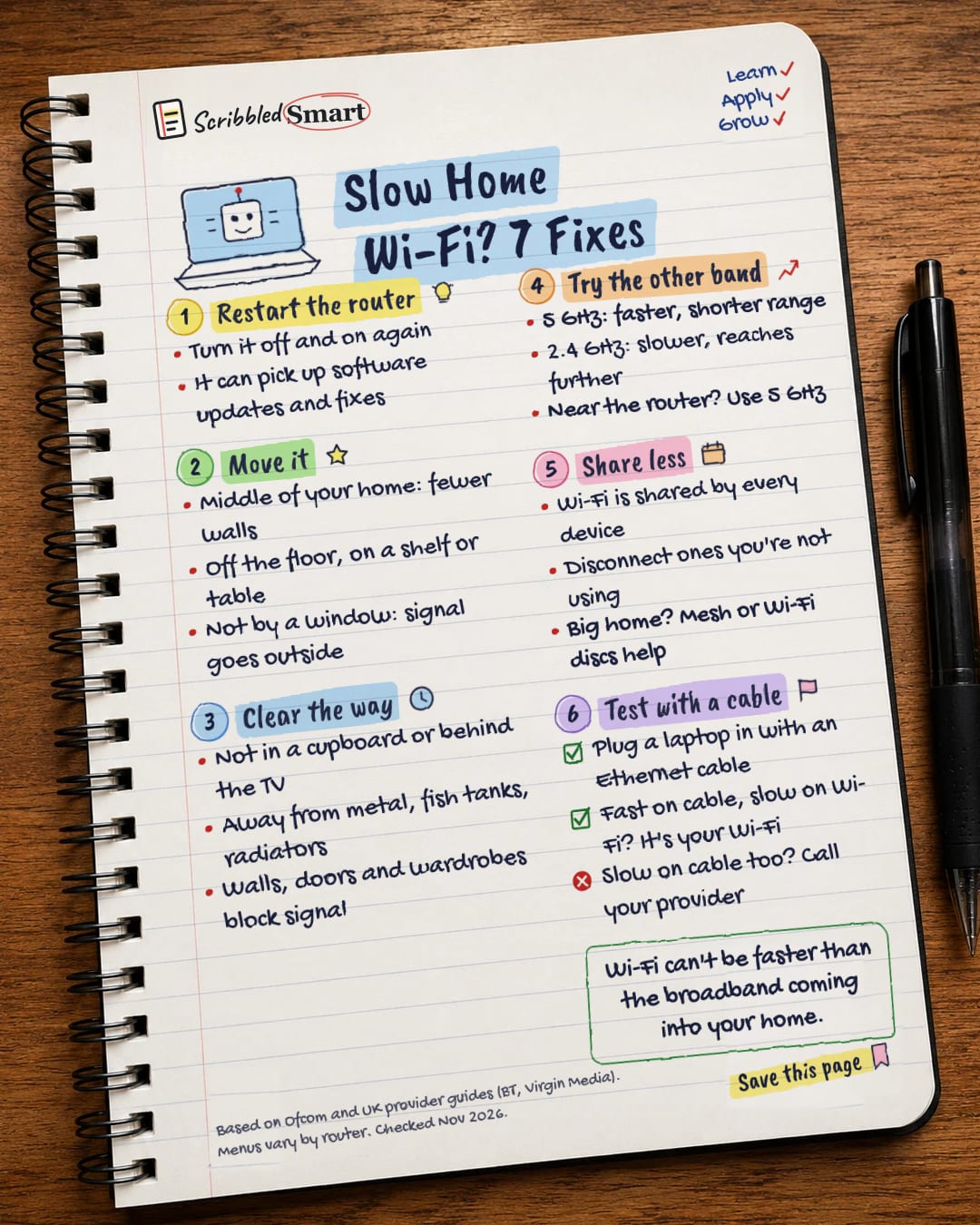
Slow Home Wi-Fi? 7 Fixes
Before you pay for faster broadband, try these 7 free fixes. Most slow Wi-Fi is a router problem, not a broadband problem. Save this page.
Good to know
Based on Ofcom and UK provider guides (BT, Virgin Media). Menus vary by router. Checked Nov 2026.
What's on the page
The note as text, so you can read it, copy it or use a screen reader.
Restart the router
- Turn it off and on again
- It can pick up software updates and fixes
Move it
- Middle of your home: fewer walls
- Off the floor, on a shelf or table
- Not by a window: signal goes outside
Clear the way
- Not in a cupboard or behind the TV
- Away from metal, fish tanks, radiators
- Walls, doors and wardrobes block signal
Try the other band
- 5 GHz: faster, shorter range
- 2.4 GHz: slower, reaches further
- Near the router? Use 5 GHz
Share less
- Wi-Fi is shared by every device
- Disconnect ones you're not using
- Big home? Mesh or Wi-Fi discs help
Test with a cable
- Plug a laptop in with an Ethernet cable
- Fast on cable, slow on Wi-Fi? It's your Wi-Fi
- Slow on cable too? Call your provider
Sources
How we checked this
Every fact on this note comes from the 4 sources listed here, checked against official or peer-reviewed sources where possible. AI tools help with drafting; a person checks every fact against the sources. How we research
Spotted a mistake? Tell us and we'll fix it and log it on the corrections page.


