
AI & Tech One-page note
2-Step Verification: Turn It On Today
Hackers have your password? With this switched on, it's not enough. Takes 5 minutes. Save this page.
What's on the page
The note as text, so you can read it, copy it or use a screen reader.
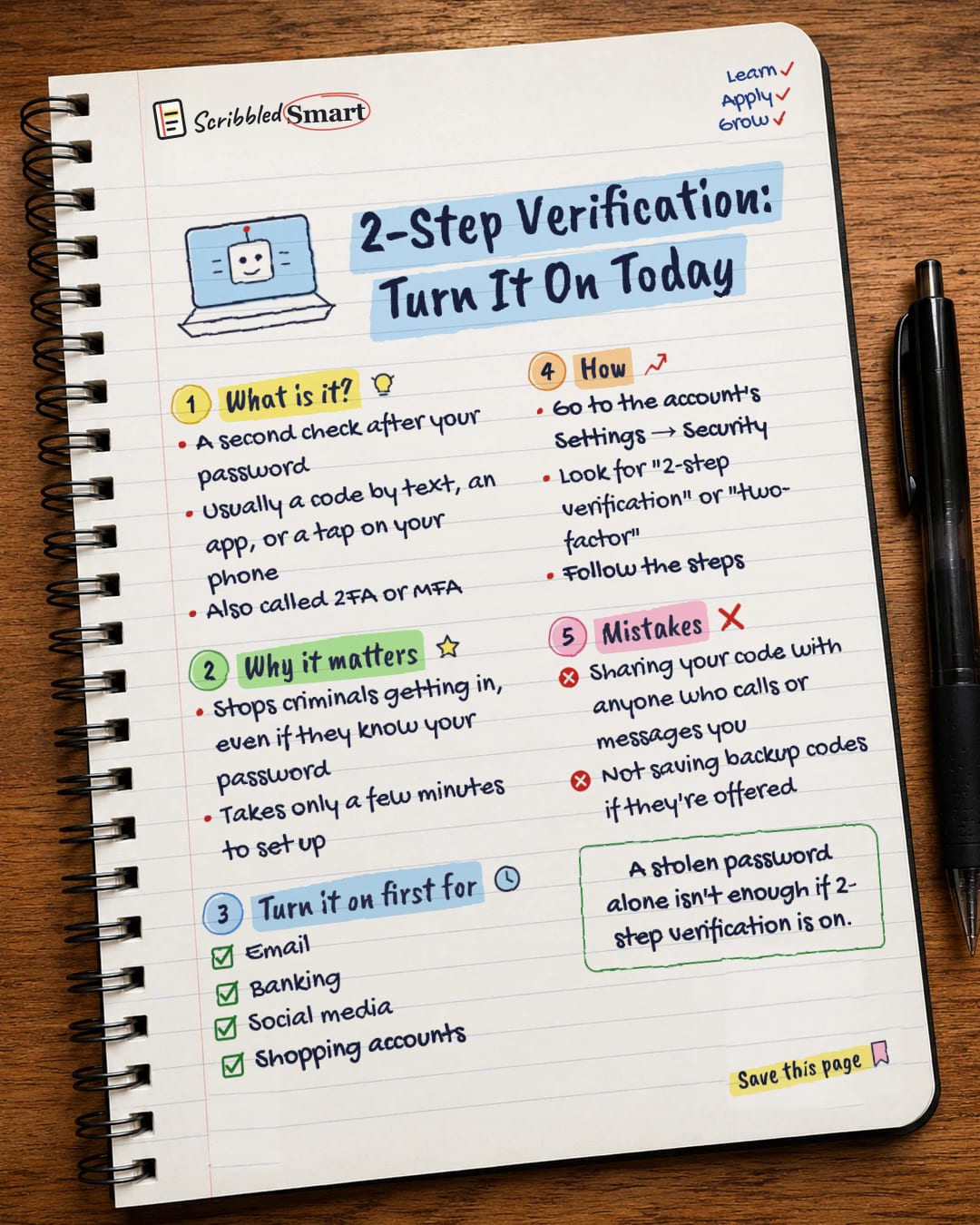
What is it?
- A second check after your password
- Usually a code by text, an app, or a tap on your phone
- Also called 2FA or MFA
Why it matters
- Stops criminals getting in, even if they know your password
- Takes only a few minutes to set up
Turn it on first for
- Banking
- Social media
- Shopping accounts
How
- Go to the account's Settings → Security
- Look for "2-step verification" or "two-factor"
- Follow the steps
Mistakes
- Sharing your code with anyone who calls or messages you
- Not saving backup codes if they're offered
Sources
How we checked this
Every fact on this note comes from the 4 sources listed here, checked against official or peer-reviewed sources where possible. AI tools help with drafting; a person checks every fact against the sources. How we research
Spotted a mistake? Tell us and we'll fix it and log it on the corrections page.


