
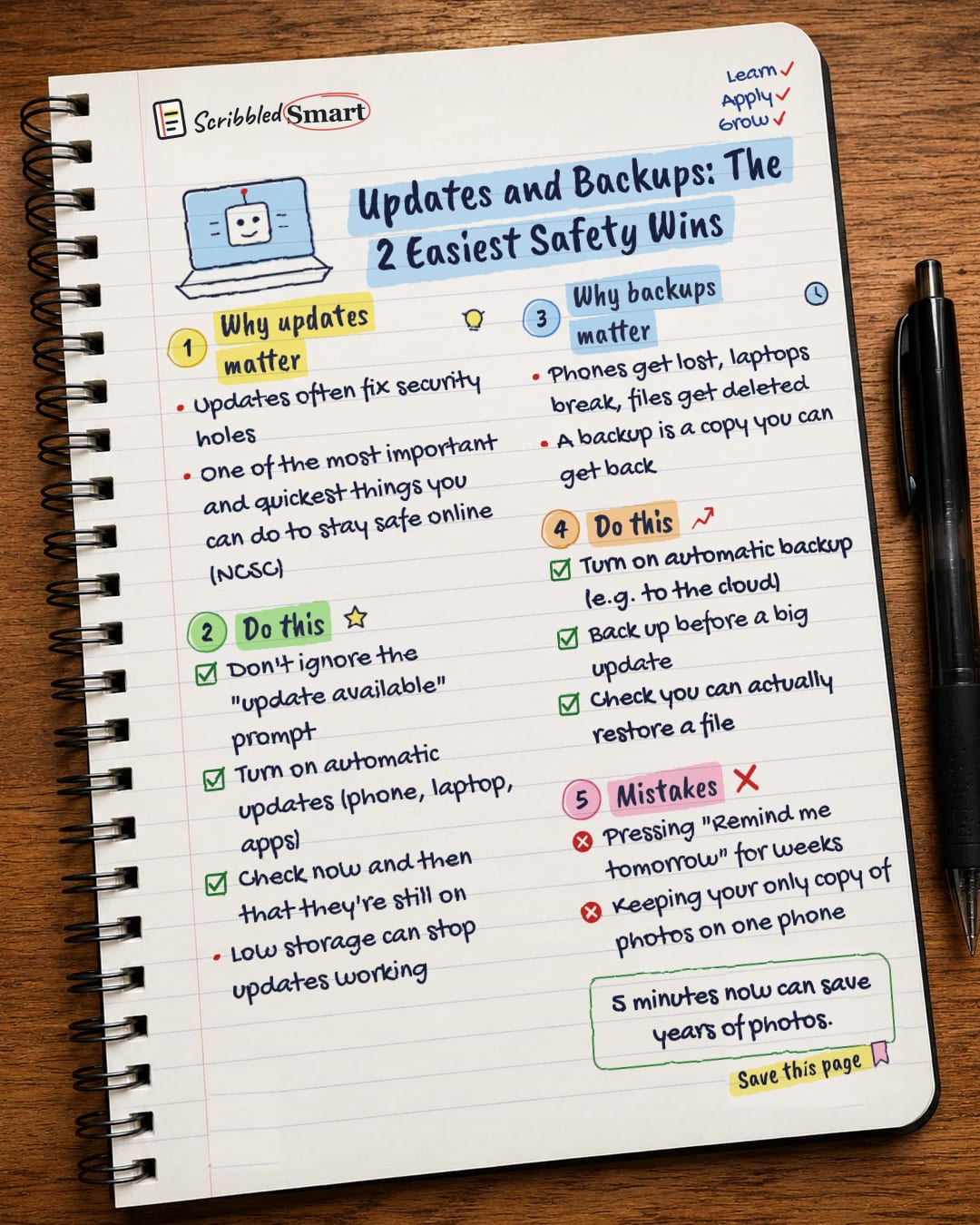
AI & Tech One-page note
Updates and Backups: The 2 Easiest Safety Wins
Two boring settings that protect you more than almost anything else. Check them today. Save this page.
What's on the page
The note as text, so you can read it, copy it or use a screen reader.
Why updates matter
- Updates often fix security holes
- One of the most important and quickest things you can do to stay safe online (NCSC)
Do this
- Don't ignore the "update available" prompt
- Turn on automatic updates (phone, laptop, apps)
- Check now and then that they're still on
- Low storage can stop updates working
Why backups matter
- Phones get lost, laptops break, files get deleted
- A backup is a copy you can get back
Do this
- Turn on automatic backup (e.g. to the cloud)
- Back up before a big update
- Check you can actually restore a file
Mistakes
- Pressing "Remind me tomorrow" for weeks
- Keeping your only copy of photos on one phone
Sources
How we checked this
Every fact on this note comes from the 5 sources listed here, checked against official or peer-reviewed sources where possible. AI tools help with drafting; a person checks every fact against the sources. How we research
Spotted a mistake? Tell us and we'll fix it and log it on the corrections page.


