
AI & Tech One-page note
What Is an Operating System?
Windows, macOS, Android, iOS: you use one every day, but what does an operating system actually do? Explained in one page. Save this page.
Good to know
Simplified. Sources: AQA GCSE spec, Oak National Academy, NCSC, Android Developers. Checked Nov 2026.
What's on the page
The note as text, so you can read it, copy it or use a screen reader.
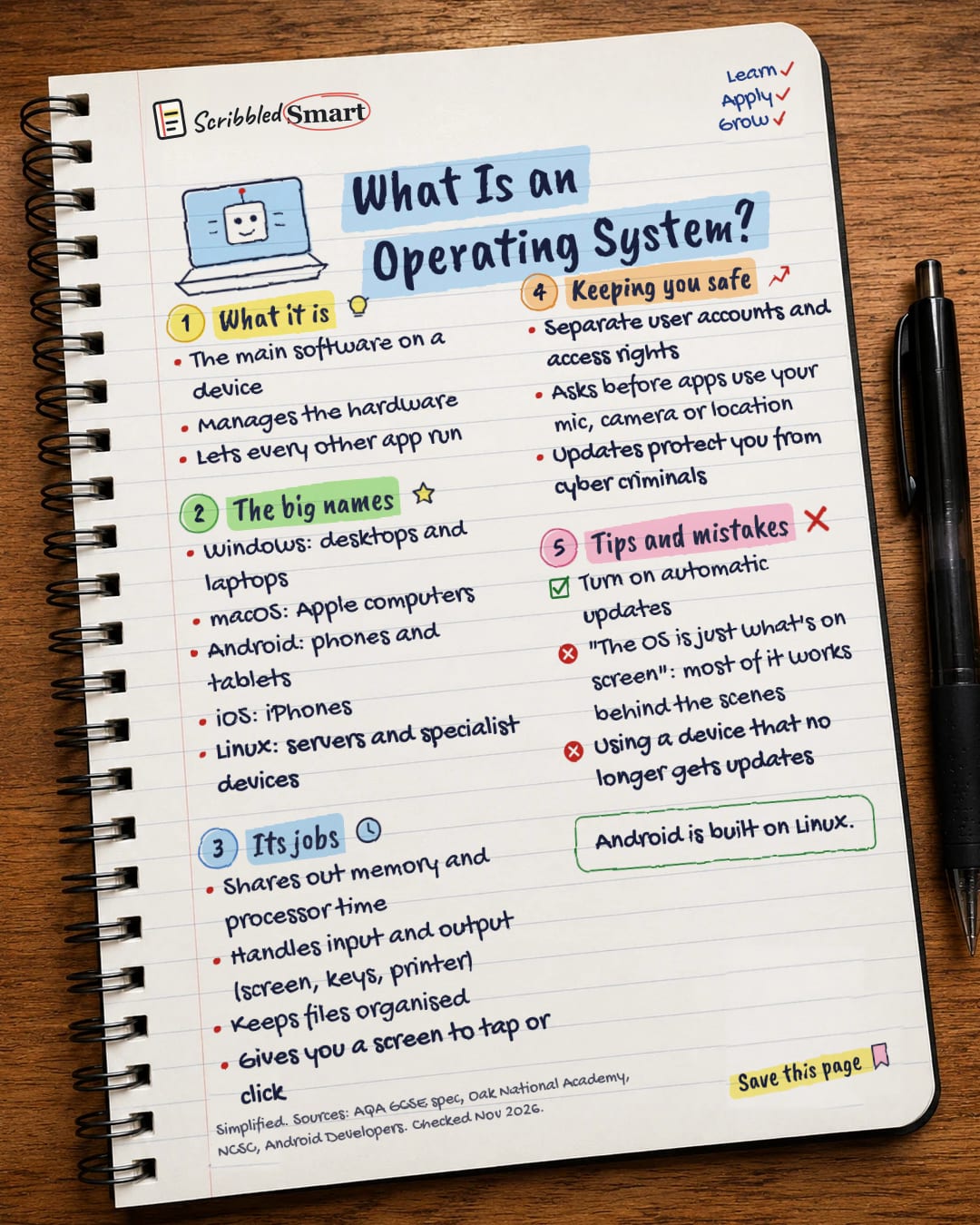
What it is
- The main software on a device
- Manages the hardware
- Lets every other app run
The big names
- Windows: desktops and laptops
- macOS: Apple computers
- Android: phones and tablets
- iOS: iPhones
- Linux: servers and specialist devices
Its jobs
- Shares out memory and processor time
- Handles input and output (screen, keys, printer)
- Keeps files organised
- Gives you a screen to tap or click
Keeping you safe
- Separate user accounts and access rights
- Asks before apps use your mic, camera or location
- Updates protect you from cyber criminals
Tips and mistakes
- Turn on automatic updates
- "The OS is just what's on screen": most of it works behind the scenes
- Using a device that no longer gets updates
Sources
- AQA: GCSE Computer Science 8525, 3.4 Computer systems
- Oak National Academy: Operating system (GCSE OCR)
- Oak National Academy: The operating system (KS3)
- NCSC: Install the latest software and app updates
- Android Developers: Platform architecture
- Android Developers: Permissions on Android
- Apple: iPhone 17 technical specifications (UK)
How we checked this
Every fact on this note comes from the 7 sources listed here, checked against official or peer-reviewed sources where possible. AI tools help with drafting; a person checks every fact against the sources. How we research
Spotted a mistake? Tell us and we'll fix it and log it on the corrections page.


