
Health One-page note UK only
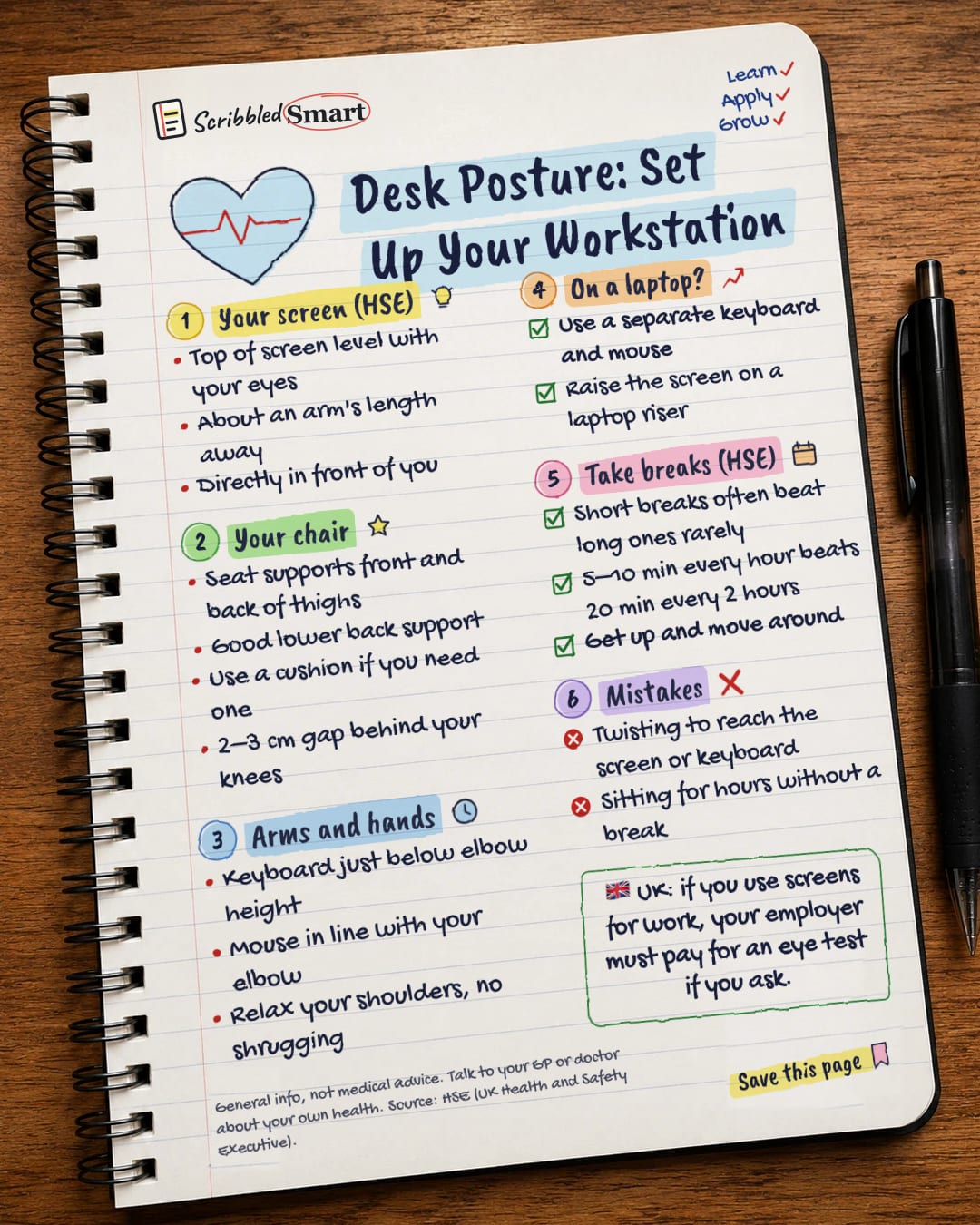
Desk Posture: Set Up Your Workstation
Sore neck after work? Here's how the UK's Health and Safety Executive says to set up your desk. Save this page.
Good to know
General info, not medical advice. Talk to your GP or doctor about your own health. Source: HSE (UK Health and Safety Executive).
What's on the page
The note as text, so you can read it, copy it or use a screen reader.
Your screen (HSE)
- Top of screen level with your eyes
- About an arm's length away
- Directly in front of you
Your chair
- Seat supports front and back of thighs
- Good lower back support
- Use a cushion if you need one
- 2–3 cm gap behind your knees
Arms and hands
- Keyboard just below elbow height
- Mouse in line with your elbow
- Relax your shoulders, no shrugging
On a laptop?
- Use a separate keyboard and mouse
- Raise the screen on a laptop riser
Take breaks (HSE)
- Short breaks often beat long ones rarely
- 5–10 min every hour beats 20 min every 2 hours
- Get up and move around
Mistakes
- Twisting to reach the screen or keyboard
- Sitting for hours without a break
Sources
How we checked this
Every fact on this note comes from the 4 sources listed here, checked against official or peer-reviewed sources where possible. AI tools help with drafting; a person checks every fact against the sources. How we research
Spotted a mistake? Tell us and we'll fix it and log it on the corrections page.


