
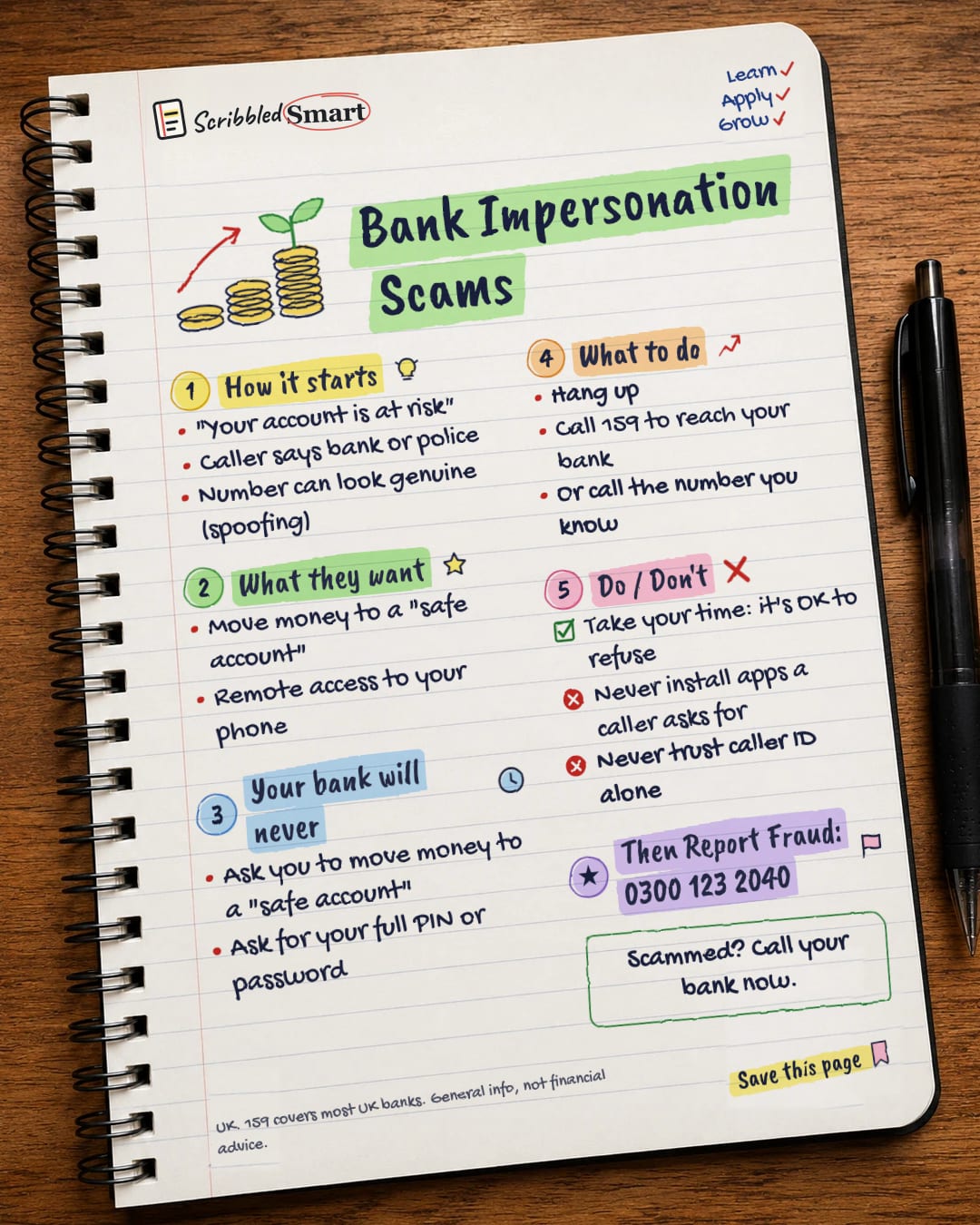
Money One-page note UK only
Bank Impersonation Scams
"Your account is at risk, move your money to a safe account." That's a scam, every time. Here's how it works and what to do. Save this page.
Good to know
UK. 159 covers most UK banks. General info, not financial advice.
What's on the page
The note as text, so you can read it, copy it or use a screen reader.
How it starts
- "Your account is at risk"
- Caller says bank or police
- Number can look genuine (spoofing)
What they want
- Move money to a "safe account"
- Remote access to your phone
Your bank will never
- Ask you to move money to a "safe account"
- Ask for your full PIN or password
What to do
- Hang up
- Call 159 to reach your bank
- Or call the number you know
Do / Don't
- Take your time: it's OK to refuse
- Never install apps a caller asks for
- Never trust caller ID alone
Then Report Fraud: 0300 123 2040
Sources
How we checked this
Every fact on this note comes from the 7 sources listed here, checked against official or peer-reviewed sources where possible. AI tools help with drafting; a person checks every fact against the sources. How we research
Spotted a mistake? Tell us and we'll fix it and log it on the corrections page.


