
Productivity One-page note UK only
Digital Declutter: Files, Apps, Tabs
Your phone is full, your desktop is chaos and you've got 47 tabs open. Here's a 15-minute digital reset. Save this page.
Good to know
Based on UK NCSC advice and Carnegie Mellon research (CHI 2021). File steps are general tips.
What's on the page
The note as text, so you can read it, copy it or use a screen reader.
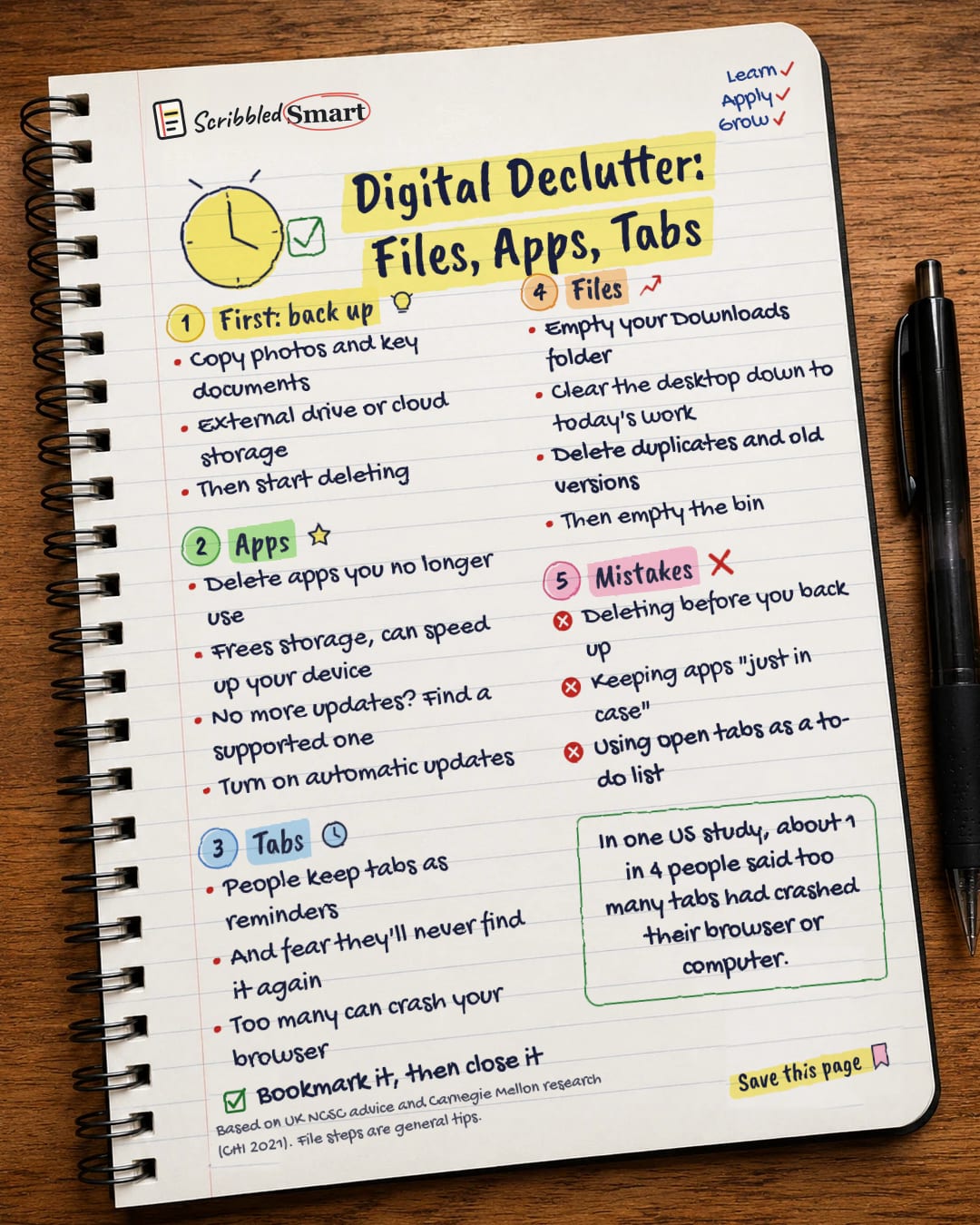
First: back up
- Copy photos and key documents
- External drive or cloud storage
- Then start deleting
Apps
- Delete apps you no longer use
- Frees storage, can speed up your device
- No more updates? Find a supported one
- Turn on automatic updates
Tabs
- People keep tabs as reminders
- And fear they'll never find it again
- Too many can crash your browser
- Bookmark it, then close it
Files
- Empty your Downloads folder
- Clear the desktop down to today's work
- Delete duplicates and old versions
- Then empty the bin
Mistakes
- Deleting before you back up
- Keeping apps "just in case"
- Using open tabs as a to-do list
Sources
How we checked this
Every fact on this note comes from the 3 sources listed here, checked against official or peer-reviewed sources where possible. AI tools help with drafting; a person checks every fact against the sources. How we research
Spotted a mistake? Tell us and we'll fix it and log it on the corrections page.


