
AI & Tech One-page note UK only
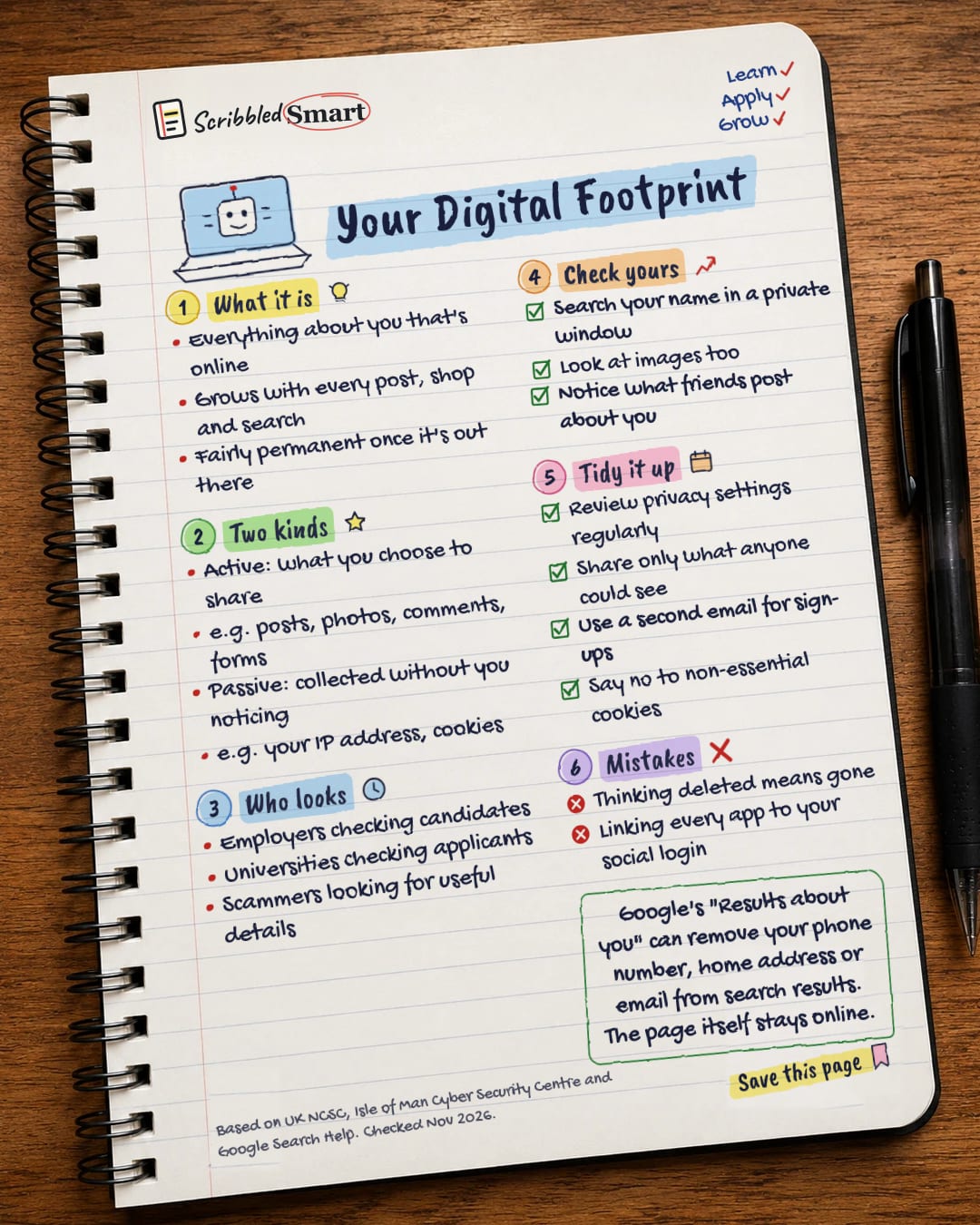
Your Digital Footprint
Before your next job application, google yourself. Here's what your digital footprint is and how to tidy it. Save this page.
Good to know
Based on UK NCSC, Isle of Man Cyber Security Centre and Google Search Help. Checked Nov 2026.
What's on the page
The note as text, so you can read it, copy it or use a screen reader.
What it is
- Everything about you that's online
- Grows with every post, shop and search
- Fairly permanent once it's out there
Two kinds
- Active: what you choose to share
- e.g. posts, photos, comments, forms
- Passive: collected without you noticing
- e.g. your IP address, cookies
Who looks
- Employers checking candidates
- Universities checking applicants
- Scammers looking for useful details
Check yours
- Search your name in a private window
- Look at images too
- Notice what friends post about you
Tidy it up
- Review privacy settings regularly
- Share only what anyone could see
- Use a second email for sign-ups
- Say no to non-essential cookies
Mistakes
- Thinking deleted means gone
- Linking every app to your social login
Sources
How we checked this
Every fact on this note comes from the 5 sources listed here, checked against official or peer-reviewed sources where possible. AI tools help with drafting; a person checks every fact against the sources. How we research
Spotted a mistake? Tell us and we'll fix it and log it on the corrections page.


