
AI & Tech One-page note
Encryption Explained Simply
Encryption keeps your messages, passwords and photos safe, but what does it actually do? Plaintext, keys and end-to-end, explained in one page. Save this page.
Good to know
Simplified. Sources: NCSC, NIST, WhatsApp Help. Checked Nov 2026.
What's on the page
The note as text, so you can read it, copy it or use a screen reader.
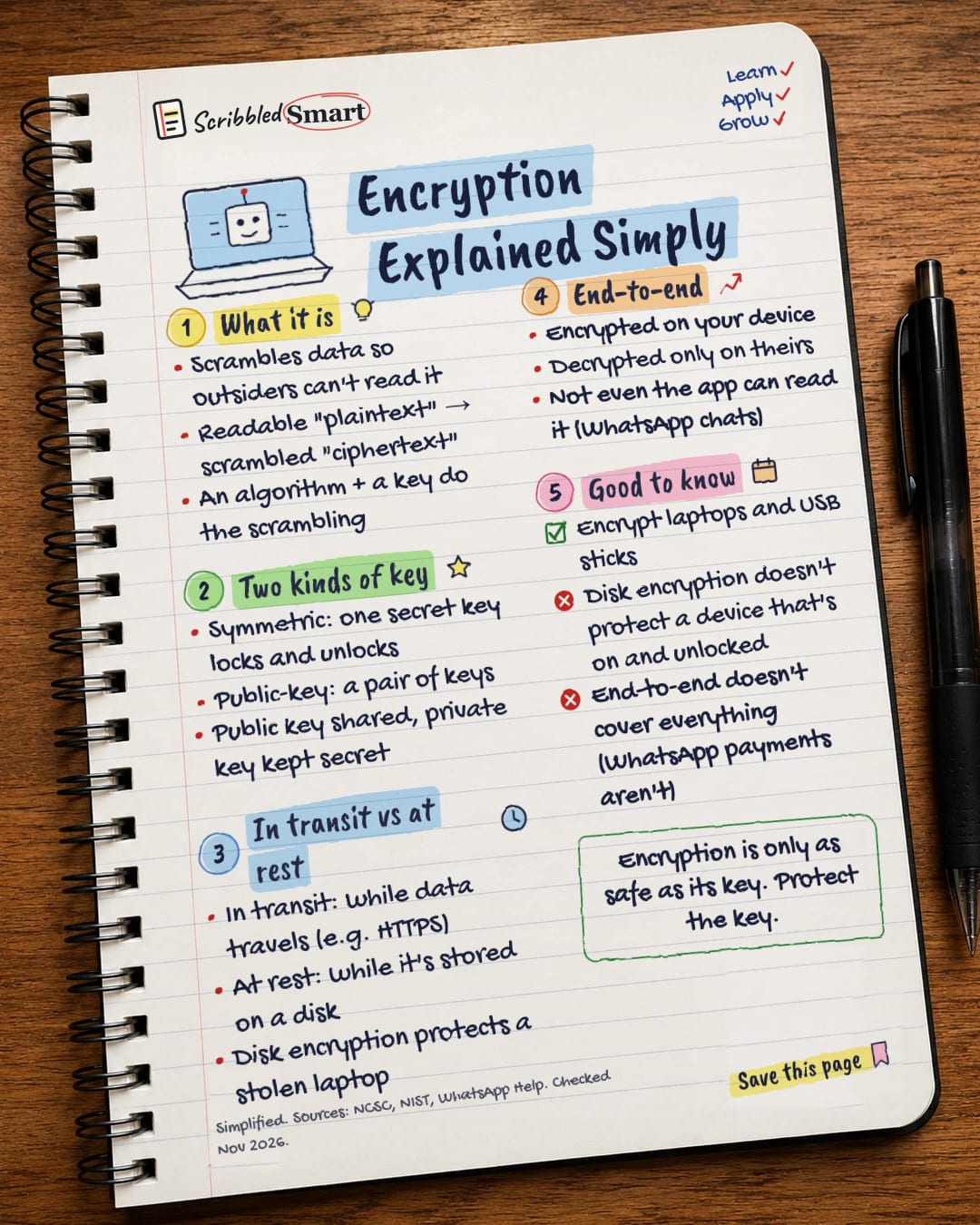
What it is
- Scrambles data so outsiders can't read it
- Readable "plaintext" → scrambled "ciphertext"
- An algorithm + a key do the scrambling
Two kinds of key
- Symmetric: one secret key locks and unlocks
- Public-key: a pair of keys
- Public key shared, private key kept secret
In transit vs at rest
- In transit: while data travels (e.g. HTTPS)
- At rest: while it's stored on a disk
- Disk encryption protects a stolen laptop
End-to-end
- Encrypted on your device
- Decrypted only on theirs
- Not even the app can read it (WhatsApp chats)
Good to know
- Encrypt laptops and USB sticks
- Disk encryption doesn't protect a device that's on and unlocked
- End-to-end doesn't cover everything (WhatsApp payments aren't)
Sources
- NIST CSRC Glossary: encryption
- NIST CSRC Glossary: symmetric key algorithm
- NIST CSRC Glossary: public key cryptography
- NCSC: 10 Steps to Cyber Security: Data security
- NCSC: Technology assurance principles, 3. Protect sensitive data in transit
- NCSC: Cloud security guidance, Data in transit protection
- WhatsApp Help Center: About end-to-end encryption
How we checked this
Every fact on this note comes from the 7 sources listed here, checked against official or peer-reviewed sources where possible. AI tools help with drafting; a person checks every fact against the sources. How we research
Spotted a mistake? Tell us and we'll fix it and log it on the corrections page.


