
AI & Tech One-page note
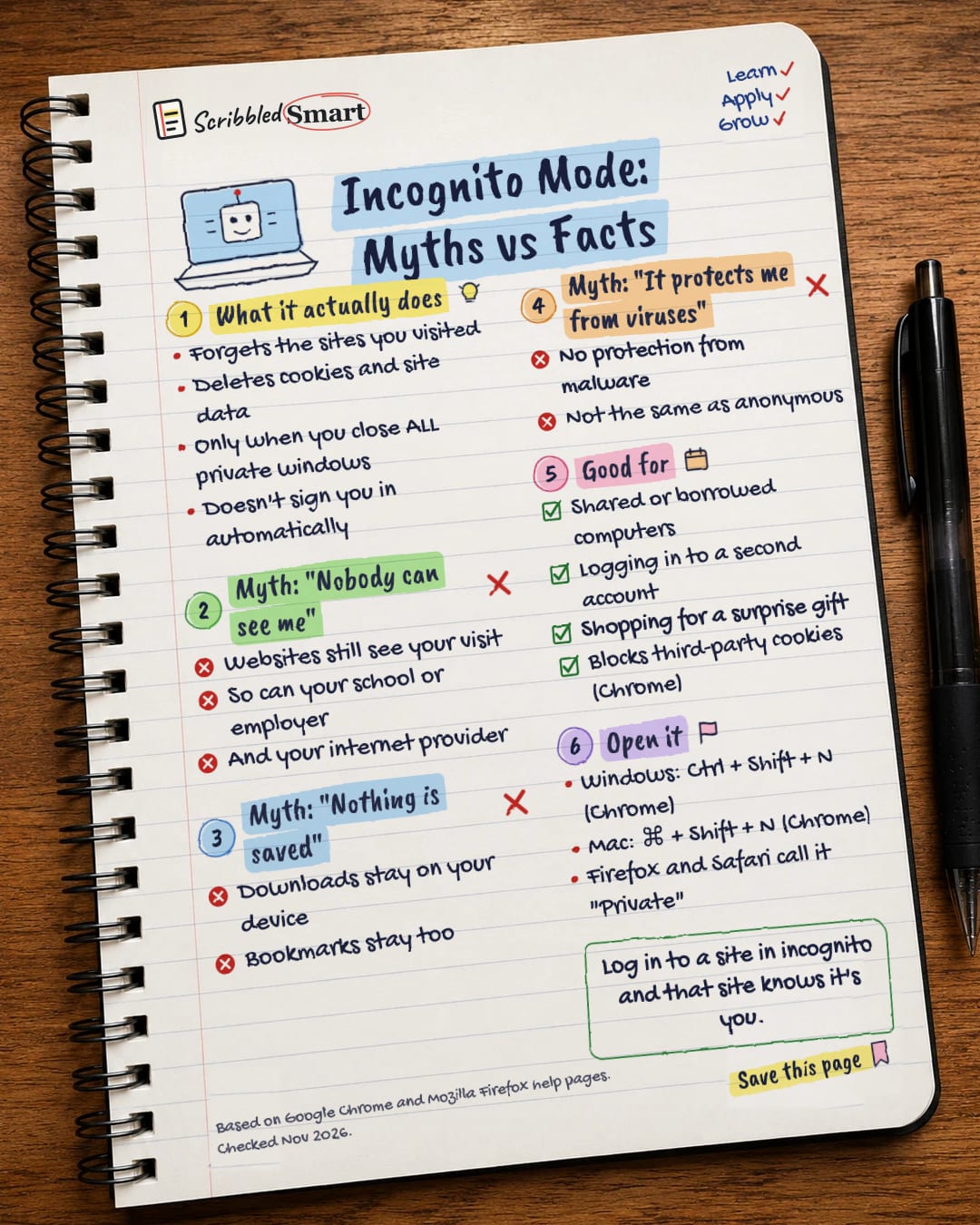
Incognito Mode: Myths vs Facts
Incognito mode hides your browsing from people who use your device after you. Not from websites, your boss or your internet provider. Save this page.
Good to know
Based on Google Chrome and Mozilla Firefox help pages. Checked Nov 2026.
What's on the page
The note as text, so you can read it, copy it or use a screen reader.
What it actually does
- Forgets the sites you visited
- Deletes cookies and site data
- Only when you close ALL private windows
- Doesn't sign you in automatically
Myth: "Nobody can see me"
- Websites still see your visit
- So can your school or employer
- And your internet provider
Myth: "Nothing is saved"
- Downloads stay on your device
- Bookmarks stay too
Myth: "It protects me from viruses"
- No protection from malware
- Not the same as anonymous
Good for
- Shared or borrowed computers
- Logging in to a second account
- Shopping for a surprise gift
- Blocks third-party cookies (Chrome)
Open it
- Windows: Ctrl + Shift + N (Chrome)
- Mac: ⌘ + Shift + N (Chrome)
- Firefox and Safari call it "Private"
Sources
- Google Chrome Help: Browse in Incognito mode
- Mozilla Support: Common Myths about Private Browsing
- The Register: Google will delete data collected in Incognito mode (1 Apr 2024)
- Inc./Reuters: Google will destroy browsing data in privacy lawsuit settlement
- Apple: Safari User Guide, Browse privately in Safari on Mac
How we checked this
Every fact on this note comes from the 5 sources listed here, checked against official or peer-reviewed sources where possible. AI tools help with drafting; a person checks every fact against the sources. How we research
Spotted a mistake? Tell us and we'll fix it and log it on the corrections page.


