
AI & Tech One-page note UK only
The Padlock and HTTPS: What They Mean
"Look for the padlock" is old advice. Scam sites have padlocks too. Here's what HTTPS really means, and what to check instead. Save this page.
Good to know
Sources: Google Chrome (2023), UK Stop! Think Fraud. Spotted a fake site? Report it to the NCSC (UK). Checked Nov 2026.
What's on the page
The note as text, so you can read it, copy it or use a screen reader.
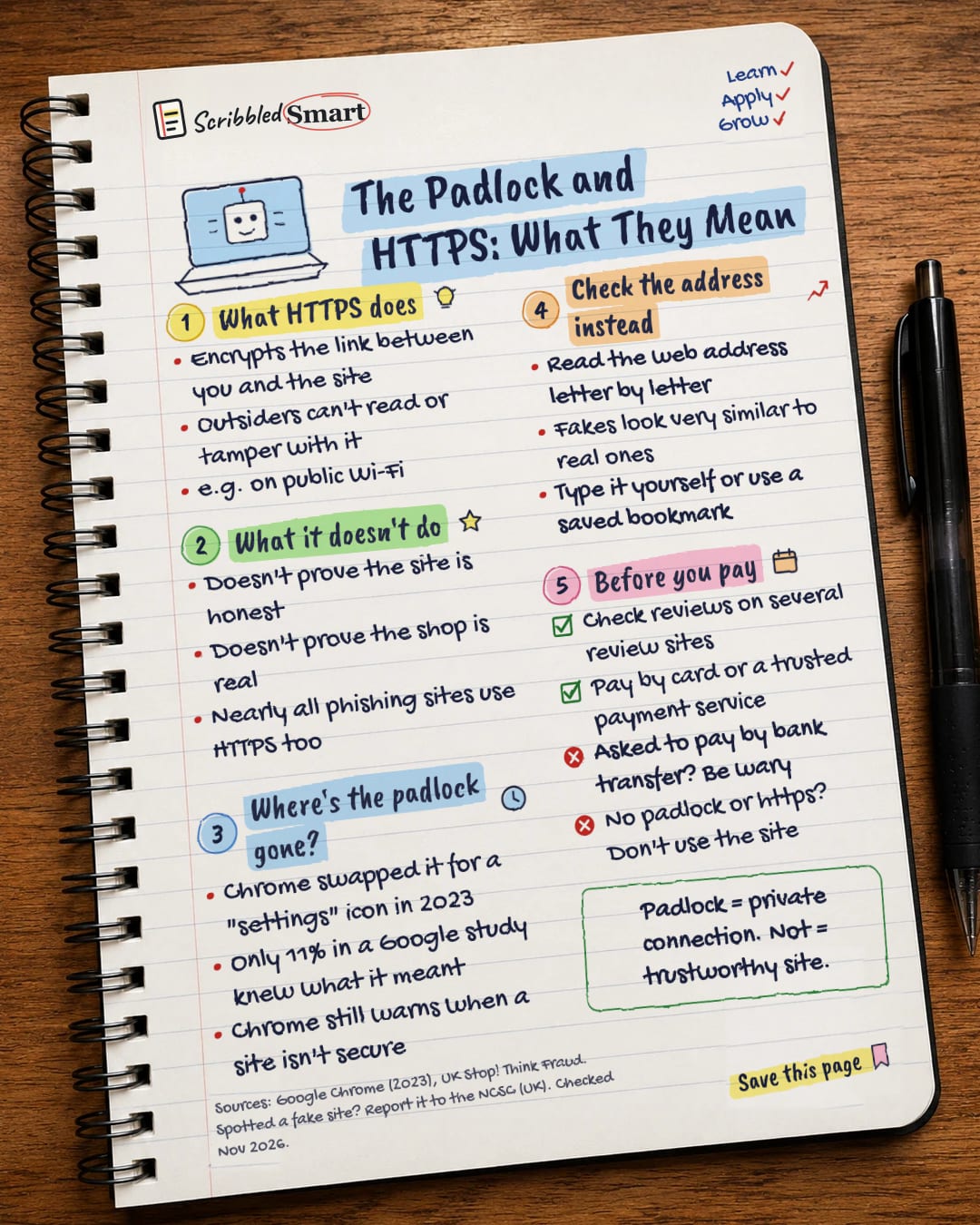
What HTTPS does
- Encrypts the link between you and the site
- Outsiders can't read or tamper with it
- e.g. on public Wi-Fi
What it doesn't do
- Doesn't prove the site is honest
- Doesn't prove the shop is real
- Nearly all phishing sites use HTTPS too
Where's the padlock gone?
- Chrome swapped it for a "settings" icon in 2023
- Only 11% in a Google study knew what it meant
- Chrome still warns when a site isn't secure
Check the address instead
- Read the web address letter by letter
- Fakes look very similar to real ones
- Type it yourself or use a saved bookmark
Before you pay
- Check reviews on several review sites
- Pay by card or a trusted payment service
- Asked to pay by bank transfer? Be wary
- No padlock or https? Don't use the site
Sources
How we checked this
Every fact on this note comes from the 4 sources listed here, checked against official or peer-reviewed sources where possible. AI tools help with drafting; a person checks every fact against the sources. How we research
Spotted a mistake? Tell us and we'll fix it and log it on the corrections page.


