
AI & Tech One-page note
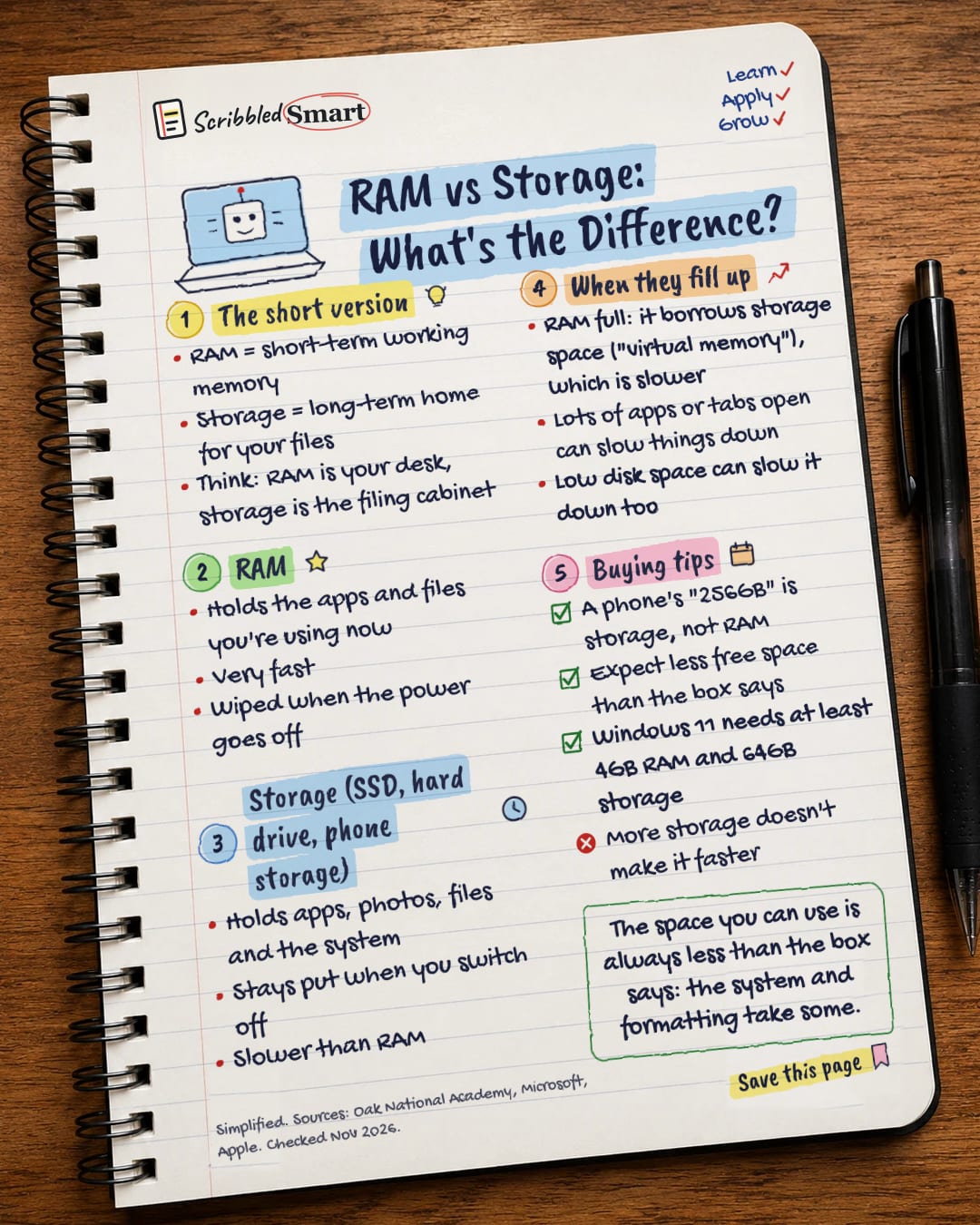
RAM vs Storage: What's the Difference?
RAM and storage both get measured in GB, but they do very different jobs. Here's the difference, and what it means when you buy a laptop or phone. Save this page.
Good to know
Simplified. Sources: Oak National Academy, Microsoft, Apple. Checked Nov 2026.
What's on the page
The note as text, so you can read it, copy it or use a screen reader.
The short version
- RAM = short-term working memory
- Storage = long-term home for your files
- Think: RAM is your desk, storage is the filing cabinet
RAM
- Holds the apps and files you're using now
- Very fast
- Wiped when the power goes off
Storage (SSD, hard drive, phone storage)
- Holds apps, photos, files and the system
- Stays put when you switch off
- Slower than RAM
When they fill up
- RAM full: it borrows storage space ("virtual memory"), which is slower
- Lots of apps or tabs open can slow things down
- Low disk space can slow it down too
Buying tips
- A phone's "256GB" is storage, not RAM
- Expect less free space than the box says
- Windows 11 needs at least 4GB RAM and 64GB storage
- More storage doesn't make it faster
Sources
- Oak National Academy: Main memory (GCSE OCR)
- Oak National Academy: Secondary storage (GCSE AQA)
- Oak National Academy: Computer architecture (KS3)
- Microsoft: Windows 11 specifications
- Microsoft Support: Tips to improve PC performance in Windows
- Apple Support: How storage capacity is measured on Apple devices
- Apple: iPhone 17 technical specifications (UK)
How we checked this
Every fact on this note comes from the 7 sources listed here, checked against official or peer-reviewed sources where possible. AI tools help with drafting; a person checks every fact against the sources. How we research
Spotted a mistake? Tell us and we'll fix it and log it on the corrections page.


