
AI & Tech One-page note
How a Computer Works (CPU, RAM, Storage)
What's actually going on inside your laptop? The CPU, RAM and storage each have one job. Here's how they work together. Save this page.
Good to know
Simplified. Sources: AQA GCSE Computer Science spec, Oak National Academy, Intel. Checked Nov 2026.
What's on the page
The note as text, so you can read it, copy it or use a screen reader.
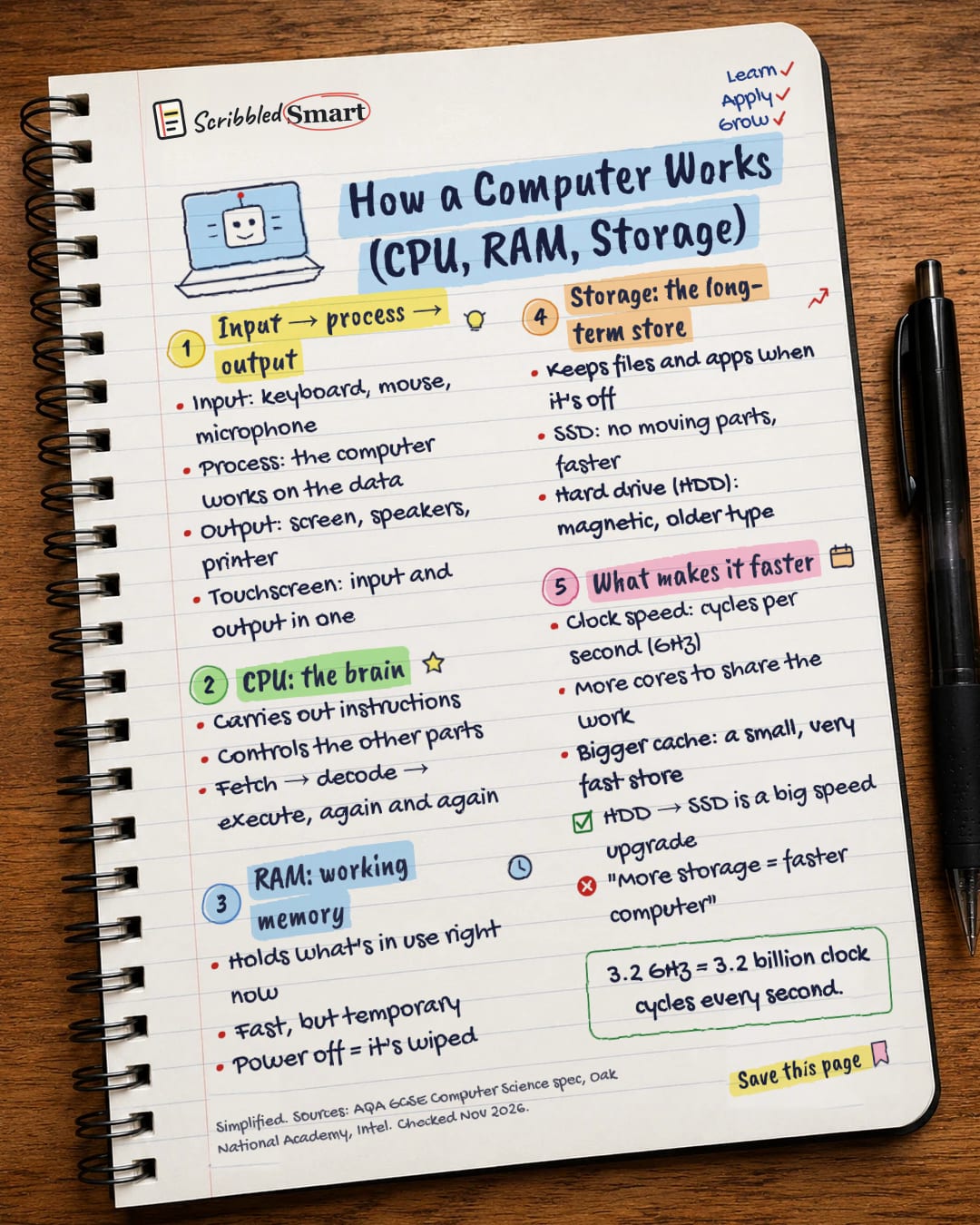
Input → process → output
- Input: keyboard, mouse, microphone
- Process: the computer works on the data
- Output: screen, speakers, printer
- Touchscreen: input and output in one
CPU: the brain
- Carries out instructions
- Controls the other parts
- Fetch → decode → execute, again and again
RAM: working memory
- Holds what's in use right now
- Fast, but temporary
- Power off = it's wiped
Storage: the long-term store
- Keeps files and apps when it's off
- SSD: no moving parts, faster
- Hard drive (HDD): magnetic, older type
What makes it faster
- Clock speed: cycles per second (GHz)
- More cores to share the work
- Bigger cache: a small, very fast store
- HDD → SSD is a big speed upgrade
- "More storage = faster computer"
Sources
- AQA: GCSE Computer Science 8525, 3.4 Computer systems
- Oak National Academy: Computer architecture (KS3)
- Oak National Academy: Main memory (GCSE OCR)
- Oak National Academy: The fetch-execute (FE) cycle (GCSE OCR)
- Oak National Academy: Secondary storage (GCSE AQA)
- Intel: CPU clock speed
- LessonUp: Input and Output Devices (search summary)
- NIOS: Lesson 01 (search summary)
How we checked this
Every fact on this note comes from the 8 sources listed here, checked against official or peer-reviewed sources where possible. AI tools help with drafting; a person checks every fact against the sources. How we research
Spotted a mistake? Tell us and we'll fix it and log it on the corrections page.


