
AI & Tech One-page note
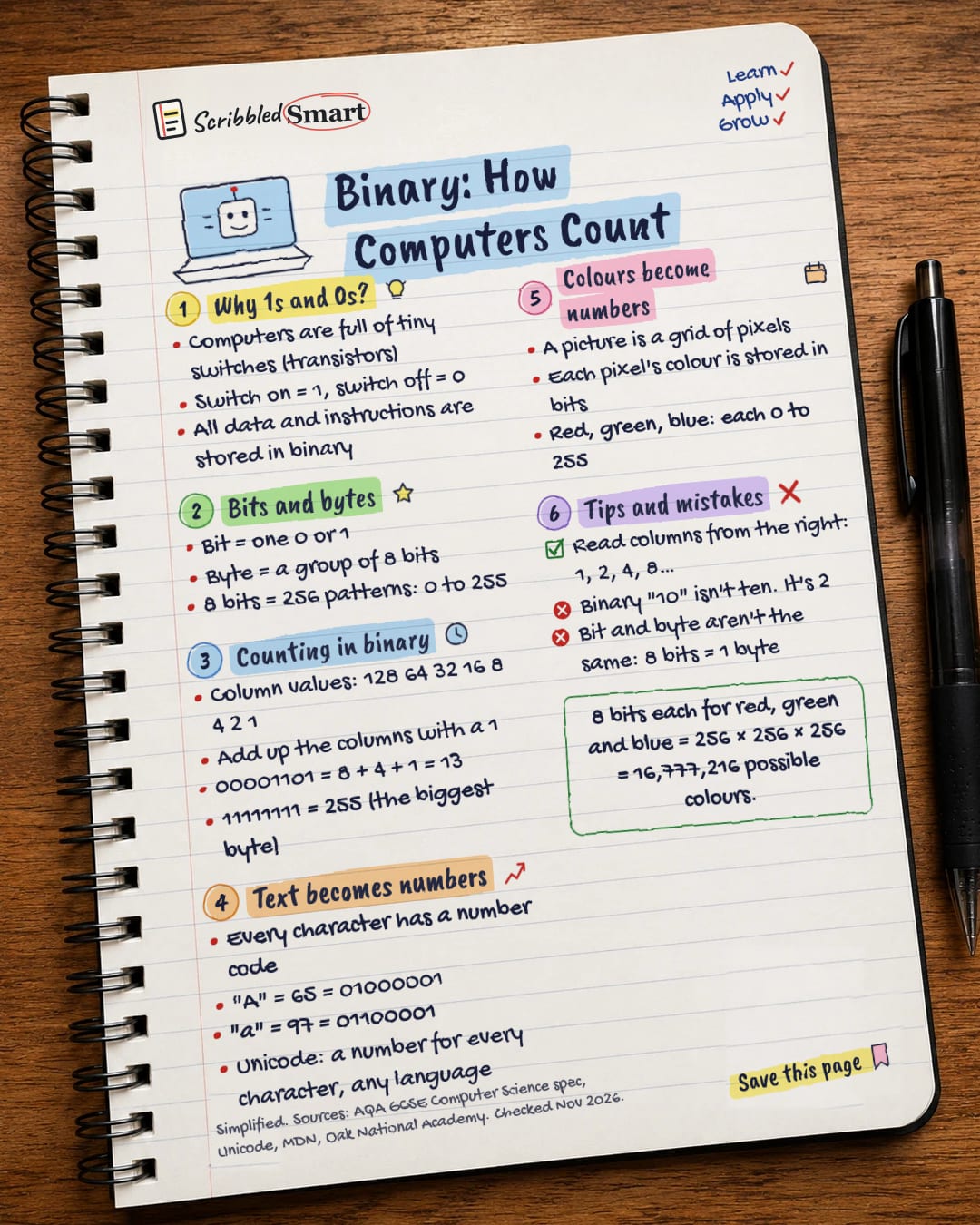
Binary: How Computers Count
Everything on your phone, from texts to photos, is stored as 1s and 0s. Here's how computers count in binary, and how a letter or a colour becomes a number. Save this page.
Good to know
Simplified. Sources: AQA GCSE Computer Science spec, Unicode, MDN, Oak National Academy. Checked Nov 2026.
What's on the page
The note as text, so you can read it, copy it or use a screen reader.
Why 1s and 0s?
- Computers are full of tiny switches (transistors)
- Switch on = 1, switch off = 0
- All data and instructions are stored in binary
Bits and bytes
- Bit = one 0 or 1
- Byte = a group of 8 bits
- 8 bits = 256 patterns: 0 to 255
Counting in binary
- Column values: 128 64 32 16 8 4 2 1
- Add up the columns with a 1
- 00001101 = 8 + 4 + 1 = 13
- 11111111 = 255 (the biggest byte)
Text becomes numbers
- Every character has a number code
- "A" = 65 = 01000001
- "a" = 97 = 01100001
- Unicode: a number for every character, any language
Colours become numbers
- A picture is a grid of pixels
- Each pixel's colour is stored in bits
- Red, green, blue: each 0 to 255
Tips and mistakes
- Read columns from the right: 1, 2, 4, 8…
- Binary "10" isn't ten. It's 2
- Bit and byte aren't the same: 8 bits = 1 byte
Sources
How we checked this
Every fact on this note comes from the 5 sources listed here, checked against official or peer-reviewed sources where possible. AI tools help with drafting; a person checks every fact against the sources. How we research
Spotted a mistake? Tell us and we'll fix it and log it on the corrections page.


