
AI & Tech One-page note
How Bluetooth Works
Bluetooth is a tiny radio that shares a band with your Wi-Fi and your microwave. Here's how it works, why earbuds drop out, and how to use it safely. Save this page.
Good to know
Simplified. Sources: Bluetooth SIG, Apple, NCSC, Canadian Centre for Cyber Security. Checked Nov 2026.
What's on the page
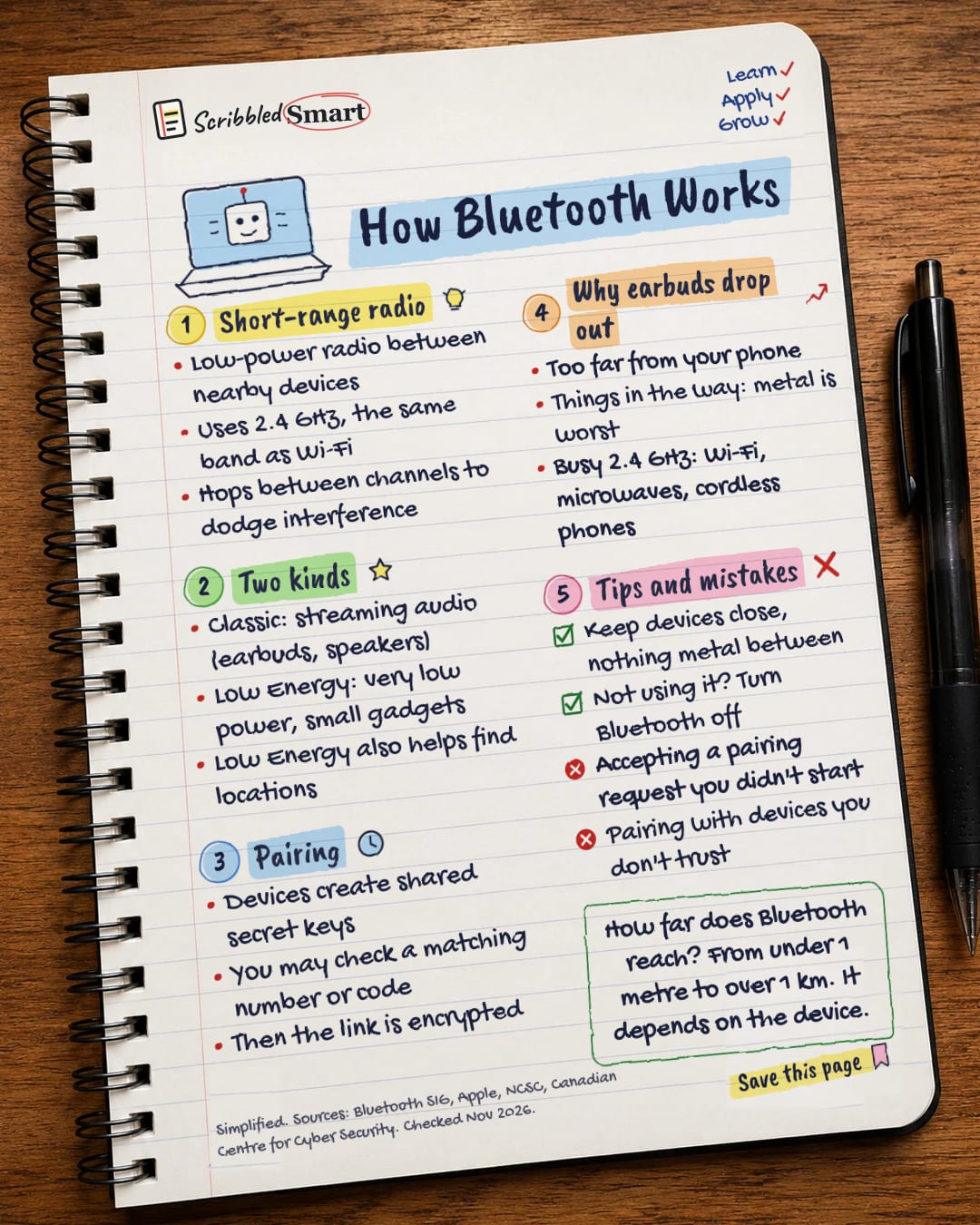
The note as text, so you can read it, copy it or use a screen reader.
Short-range radio
- Low-power radio between nearby devices
- Uses 2.4 GHz, the same band as Wi-Fi
- Hops between channels to dodge interference
Two kinds
- Classic: streaming audio (earbuds, speakers)
- Low Energy: very low power, small gadgets
- Low Energy also helps find locations
Pairing
- Devices create shared secret keys
- You may check a matching number or code
- Then the link is encrypted
Why earbuds drop out
- Too far from your phone
- Things in the way: metal is worst
- Busy 2.4 GHz: Wi-Fi, microwaves, cordless phones
Tips and mistakes
- Keep devices close, nothing metal between
- Not using it? Turn Bluetooth off
- Accepting a pairing request you didn't start
- Pairing with devices you don't trust
Sources
- Bluetooth SIG: Bluetooth Technology Overview
- Bluetooth SIG: Understanding Bluetooth Range
- Apple Support: Resolve Wi-Fi and Bluetooth issues caused by wireless interference
- Apple Platform Security: Bluetooth security
- NCSC: Device security guidance, Using peripherals securely
- Canadian Centre for Cyber Security: ITSAP.00.011 (Bluetooth)
- FCC: Wireless connections and Bluetooth security tips
How we checked this
Every fact on this note comes from the 7 sources listed here, checked against official or peer-reviewed sources where possible. AI tools help with drafting; a person checks every fact against the sources. How we research
Spotted a mistake? Tell us and we'll fix it and log it on the corrections page.


