
AI & Tech One-page note
How Touchscreens Work
Your phone screen doesn't feel pressure. It feels the electric charge your finger steals. Here's how touchscreens work, and why gloves fail. Save this page.
Good to know
Simplified. Sources: Microchip (touch sensor maker), Samsung. Setting names vary by phone. Checked Nov 2026.
What's on the page
The note as text, so you can read it, copy it or use a screen reader.
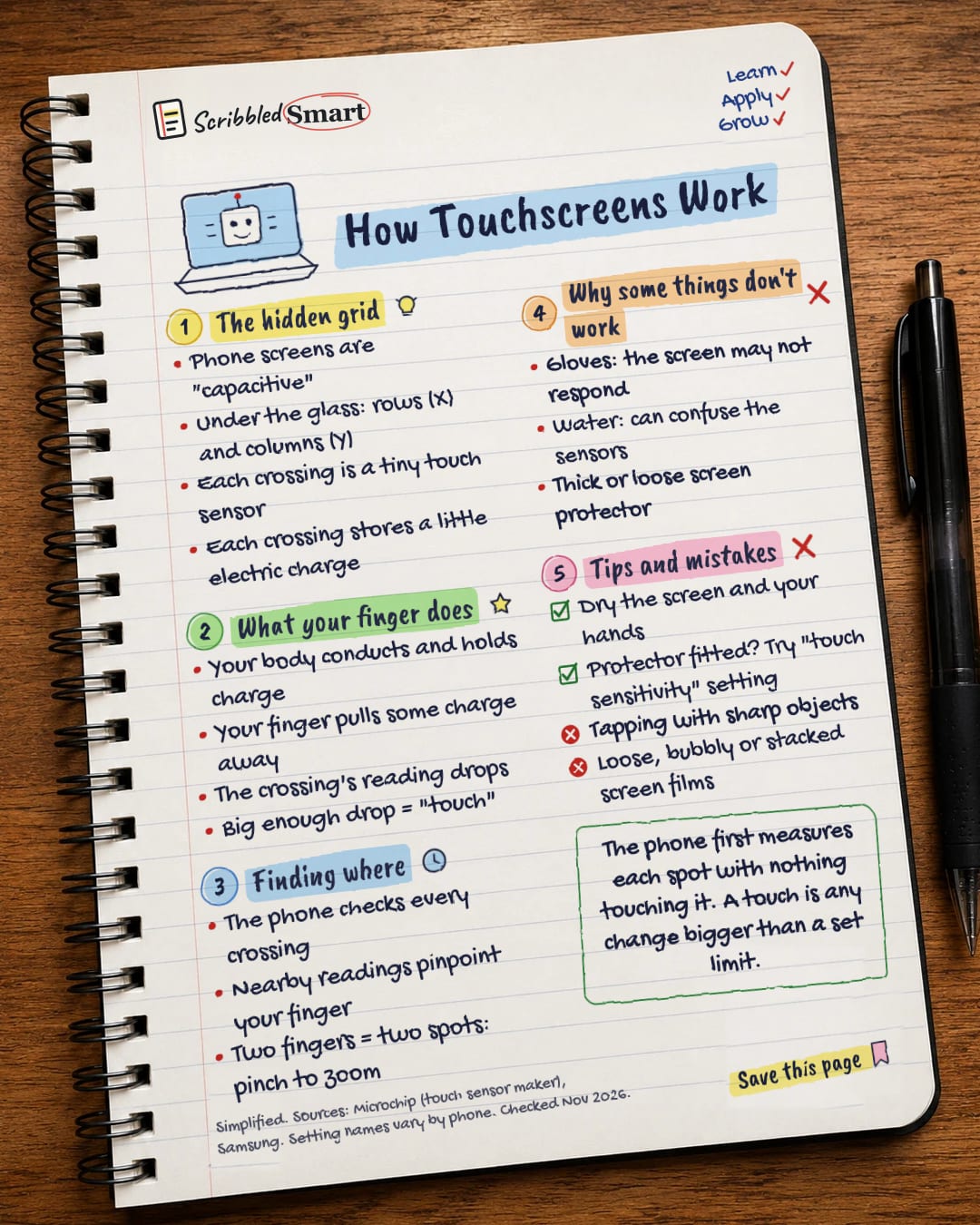
The hidden grid
- Phone screens are "capacitive"
- Under the glass: rows (X) and columns (Y)
- Each crossing is a tiny touch sensor
- Each crossing stores a little electric charge
What your finger does
- Your body conducts and holds charge
- Your finger pulls some charge away
- The crossing's reading drops
- Big enough drop = "touch"
Finding where
- The phone checks every crossing
- Nearby readings pinpoint your finger
- Two fingers = two spots: pinch to zoom
Why some things don't work
- Gloves: the screen may not respond
- Water: can confuse the sensors
- Thick or loose screen protector
Tips and mistakes
- Dry the screen and your hands
- Protector fitted? Try "touch sensitivity" setting
- Tapping with sharp objects
- Loose, bubbly or stacked screen films
Sources
- Microchip: QTouch Modular Library Peripheral Touch Controller User's Guide, 2.1 Self-Capacitance
- Microchip: same guide, Description and chapters 2.2 Mutual Capacitance and 3 Touch Sensors
- Samsung UK: What to do if your Touch Screen is not working properly
- Samsung US: Touchscreen issues on a Galaxy phone or tablet
- Analog Devices: Projected-Capacitive Touch Systems from the Controller Point of View
How we checked this
Every fact on this note comes from the 5 sources listed here, checked against official or peer-reviewed sources where possible. AI tools help with drafting; a person checks every fact against the sources. How we research
Spotted a mistake? Tell us and we'll fix it and log it on the corrections page.


